How to Share Your Music Video on YouTube Like a Pro
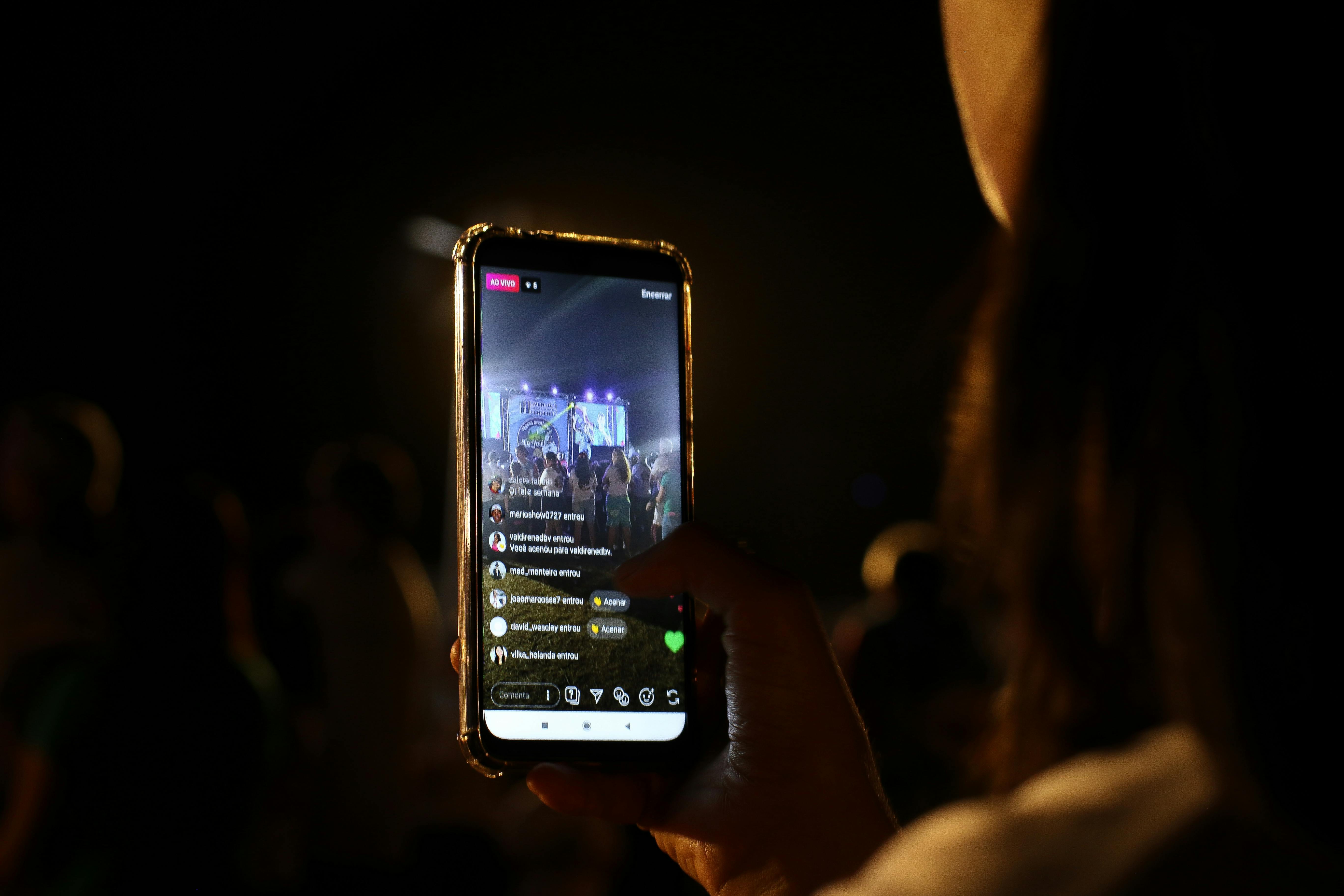
Learn the best strategies to share your music video on YouTube. From optimizing metadata to smart linking, get more views and engagement today.
You Made a Music Video — Now What?
You spent hours recording, editing, and perfecting your music video. But after you hit "publish" on YouTube, the silence is deafening. You wonder: did anyone even see it?
This is the moment most musicians get stuck. You know your song is good, but sharing your music video on YouTube in a way that actually gets views feels like a mystery. You're not alone.
The truth is, publishing a video is only half the battle. The other half is strategic sharing. In this guide, you'll learn exactly how to share your music video on YouTube to maximize reach, engagement, and fan growth.
Why Sharing Your Music Video on YouTube Is Different
YouTube is the second largest search engine in the world. Unlike social media platforms where content disappears quickly, a well-optimized YouTube video can bring you new fans for years.
But here's the catch: YouTube's algorithm favors videos that get early engagement. If you just drop your video and hope for the best, you're leaving views on the table.
Sharing your music video on YouTube isn't just about posting a link. It's about creating a launch strategy that signals to YouTube that your content is valuable.
Step 1: Optimize Your Video Before You Share
Before you send your video anywhere, make sure YouTube itself can understand what your video is about. This is called metadata optimization.
- Title: Include your song name, artist name, and a keyword like "official music video". Example: "Midnight Dreams - Luna Ray (Official Music Video)"
- Description: Write at least 200 words. Include your story, lyrics, credits, and links to your streaming profiles.
- Tags: Use 10-15 relevant tags. Start with your main keyword: share music video on YouTube, then add genre-specific terms.
- Thumbnail: Create a custom thumbnail with high contrast, your face, and text overlay. This increases click-through rate by 30%.
Pro tip: Add your video to a playlist immediately after publishing. Playlists increase watch time and help YouTube recommend your content.
Step 2: Leverage Your Existing Audience
Your biggest fans are already following you somewhere. The key is to direct them to your YouTube video in a way that feels natural, not spammy.
Start with your email list. Send a personal message with a link to your video. Explain why this song matters to you. Email subscribers are 5x more likely to engage than social media followers.
Next, post on social media. But don't just drop a link. Use a teaser clip (15-30 seconds) and say "Full video in comments" or "Link in bio". This drives curiosity and traffic.
If you want to make it even easier for fans to find your video, consider using a smart link service. You can customize your link appearance to match your brand and track clicks in real time. This is especially useful when you're sharing your music video across multiple platforms.
Step 3: Use YouTube's Built-In Sharing Tools
YouTube gives you several ways to share your video. Most musicians only use the basic copy-link button. That's a missed opportunity.
- Share at a specific timestamp: If your chorus hits at 0:45, share the video starting there. This works great for teasers.
- Use the embed code: Add your video to your official website or blog. This helps with SEO and keeps visitors on your site longer.
- Create a video response: Find popular videos in your genre and leave thoughtful comments with your video link (only if relevant).
Also, don't forget YouTube Stories and Community Tab. If you have 1,000 subscribers, you can post polls, images, and updates directly to your channel. Use this to build hype before a release.
Step 4: Collaborate with Other Creators
One of the fastest ways to grow your audience is by tapping into someone else's. Reach out to other musicians, vloggers, or influencers in your niche.
Offer to feature in their video or ask them to react to yours. When they share your music video on their YouTube channel, you get exposure to a whole new fanbase.
Even a simple shoutout in a video description can drive significant traffic. Just make sure the collaboration feels authentic.
Step 5: Promote on Other Platforms Strategically
YouTube rewards external traffic. The more people come to your video from outside YouTube, the more the algorithm boosts it.
Here's a quick comparison of where to share your music video and what to expect:
| Platform | Best For | Tip |
|---|---|---|
| Teasers & Reels | Post a 15-second clip with "Link in bio" | |
| TikTok | Viral challenges | Create a dance or trend using your song |
| Twitter/X | Real-time engagement | Pin your video tweet and use hashtags like #NewMusic |
| Fan groups | Share in music promotion groups (read rules first) | |
| Niche communities | Post in subreddits like r/indiemusic (don't spam) | |
| Your Website | Hub for all links | Use a bio link page to track all clicks |
Remember: each platform has its own culture. A casual tone works on TikTok, while Reddit prefers genuine stories. Tailor your message accordingly.
Step 6: Track and Adjust Your Strategy
Sharing your music video on YouTube is not a one-time event. It's an ongoing process. Use YouTube Studio to see where your traffic is coming from.
Check these metrics weekly:
- Traffic source: Are most views coming from YouTube search, suggested videos, or external sites?
- Audience retention: At what point do viewers drop off? Maybe your intro is too long.
- Click-through rate (CTR): If your CTR is below 4%, consider changing your thumbnail or title.
If a certain platform drives a lot of views, double down on it. If a specific keyword brings organic traffic, create more content around that topic.
Real Example: How Indie Artist Sarah Got 50K Views in One Week
Sarah, a singer-songwriter, released her debut music video last year. She did everything right: optimized title, custom thumbnail, and engaged with every comment.
But her breakthrough came from a simple tactic. She emailed 20 small music blogs with a personal note and her video link. Three of them featured her. Those blog posts drove external traffic to YouTube, which triggered the algorithm.
Within a week, her video appeared in YouTube's recommended sidebar for similar artists. The lesson? Don't just share — build relationships.
Expert Tips for Long-Term Success
- Upload consistently: Even if it's just a lyric video or behind-the-scenes clip, regular uploads keep your channel active.
- Engage with every comment: Reply within the first hour. Early engagement signals quality to YouTube.
- Use end screens and cards: Promote your other videos or a subscribe button right inside your video.
- Create a video series: If your music video tells a story, consider making a part 2. Series increase watch time dramatically.
Also, consider linking your YouTube video to your other content. For example, if you're promoting a new release, you can share your music video on YouTube and then direct viewers to your Spotify artist page using a smart link. This creates a seamless fan journey.
FAQ: Sharing Your Music Video on YouTube
Q1: When is the best time to upload a music video on YouTube?
A: Studies show that uploading between 2 PM and 4 PM EST on weekdays gives the best early engagement. But test different times for your audience.
Q2: Should I premiere my music video?
A: Yes. Premieres create a live event feel. They notify your subscribers and allow real-time chat. This boosts engagement and watch time.
Q3: How many hashtags should I use in my description?
A: Use 3-5 relevant hashtags. Too many can look spammy. Examples: #MusicVideo #IndieMusic #NewSong
Q4: Can I share my music video on YouTube before it's public?
A: Yes. You can set the video as "Unlisted" and share the link with your email list or Patreon supporters. Then switch to "Public" on release day.
Q5: What's the most common mistake musicians make?
A: Not optimizing for search. Many artists use vague titles like "My New Song". Instead, use specific keywords like "Indie Folk Music Video - Official".
Your Music Deserves to Be Heard
Sharing your music video on YouTube doesn't have to be overwhelming. Start with one step: optimize your metadata. Then, share with your email list. Then, expand to social media.
Each video you release is a chance to connect with new listeners. But only if you share it strategically.
If you want to make your promotion even easier, explore tools that help you manage your online presence. For example, you can customize your link appearance to create a professional hub for all your content — from YouTube videos to concert tickets.
Now it's your turn. Go share your music video on YouTube with confidence. And remember: the algorithm rewards those who keep showing up.
Have you tried any of these strategies? Let us know in the comments below. And if you found this helpful, share it with a fellow musician!