How to Share Your Podcast on LinkedIn: A Step-by-Step Guide to Grow Your Audience
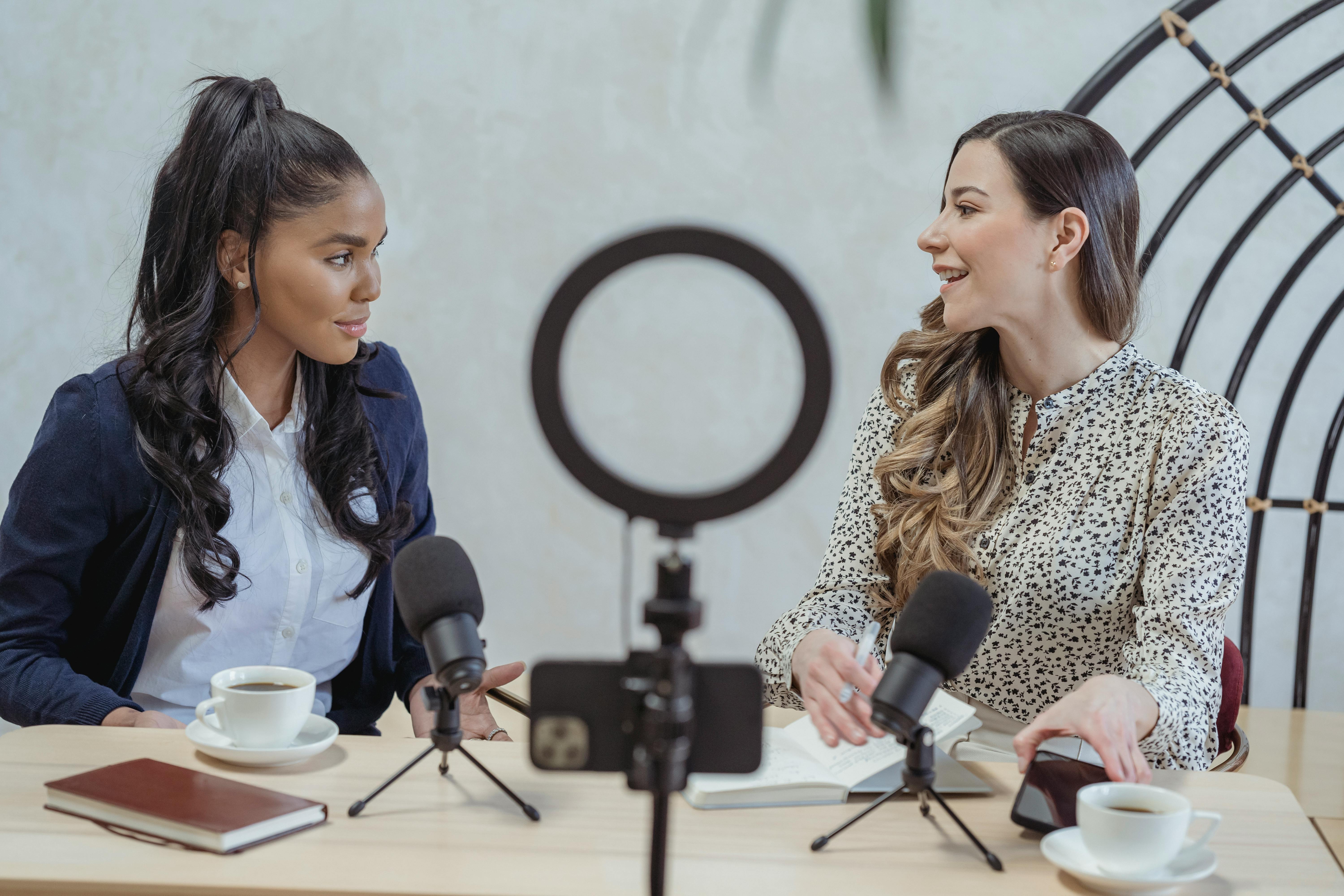
Learn how to share your podcast on LinkedIn to attract listeners and build authority. Step-by-step tips, best practices, and tools to boost engagement.
How to Share Your Podcast on LinkedIn: A Step-by-Step Guide to Grow Your Audience
You’ve spent hours recording, editing, and polishing your podcast episode. You hit publish, share it on Instagram and Twitter, and wait. But only a handful of people listen. Sound familiar? The problem isn’t your content—it’s where you’re sharing it.
LinkedIn is the untapped goldmine for podcast growth. With over 900 million professionals hungry for valuable insights, this platform can turn your episodes into lead magnets and authority builders. In this guide, you’ll learn exactly how to share your podcast on LinkedIn to attract listeners, spark conversations, and grow your network.
Why LinkedIn Matters for Podcasters
Most podcasters focus on visual platforms like Instagram or TikTok. But LinkedIn’s professional audience is actively seeking educational and thought-leadership content. Your podcast episodes—especially interview-based or industry-specific ones—fit perfectly into this ecosystem.
LinkedIn also rewards native video and long-form posts, giving your podcast content more organic reach than on other platforms. Plus, tagging guests and collaborators amplifies your visibility exponentially.
Step 1: Optimize Your LinkedIn Profile for Podcasting
Before sharing a single episode, make sure your profile screams “podcaster.” Update your headline to include “Podcast Host” and a keyword like “Marketing Podcast Host.” Add your podcast link in the featured section and the website area.
Write a compelling about section that mentions your podcast’s theme and the value listeners get. Use a professional headshot or a branded banner that includes your podcast logo.
Step 2: Craft a Captivating Post with Visuals
A text-only post won’t cut it. Use a video snippet (30–60 seconds) of a key moment from your episode, a branded audiogram, or a carousel with top takeaways. LinkedIn’s algorithm favors native video, so upload directly rather than pasting a YouTube link.
For audio episodes, create a simple graphic with the episode title, guest name, and a compelling quote. Tools like Canva make this easy.
Step 3: Write a Captivating Caption
Your caption should hook readers in the first two lines. Start with a bold statement or a question that resonates with your target audience. For example: “Struggling to land your first client? In this episode, [Guest] shares the exact script that worked for them.”
Keep the caption between 150–250 words. Include a clear call to action like “Listen to the full episode (link in comments)” or “Tag a friend who needs this advice.”
Step 4: Use Hashtags Strategically
Hashtags help your post appear in relevant feeds. Use 3–5 targeted hashtags per post, mixing broad and niche tags. Examples: #PodcastTips, #LinkedInMarketing, #IndustryInsights (replace with your niche). Avoid generic tags like #podcast that are too competitive.
Step 5: Engage with Comments Immediately
After posting, reply to every comment within the first hour. This signals to LinkedIn that your post is engaging, boosting its reach. Ask follow-up questions to keep the conversation going. For example: “What’s your biggest challenge in this area?”
Step 6: Leverage LinkedIn Audio Events and Newsletters
LinkedIn Audio Events let you host live conversations that feel like mini-podcasts. Promote your episode during the event or repurpose the audio as a future episode. Similarly, your LinkedIn newsletter can deliver episode summaries directly to subscribers’ inboxes.
Step 7: Repurpose Episode Snippets as Video Posts
Take a 1–2 minute clip from your podcast—ideally a controversial opinion or a powerful insight—and post it as native video. Add captions for silent viewing. This snippet acts as a teaser that drives listeners to the full episode.
Step 8: Share in Relevant LinkedIn Groups
Join groups where your target audience hangs out. Share your episode with a brief summary and why it’s valuable to the group. But don’t spam—participate in discussions first, then drop your link naturally.
Real Example: How One Podcaster Gained 500 Listeners from LinkedIn
Sarah, host of the “Freelance Freedom” podcast, was stuck at 200 downloads per episode. She started posting a 60-second video snippet on LinkedIn every Tuesday, tagging her guest and using 3 niche hashtags. Within a month, her episodes jumped to 700 downloads, and she gained 50 new LinkedIn connections per week. Her secret? She always asked a question in the caption to spark comments.
Expert Tips for Maximum Impact
- Post on Tuesday, Wednesday, or Thursday between 8–10 AM or 12–1 PM in your audience’s timezone.
- Tag your guest and their company—they’ll likely reshare, doubling your reach.
- Use LinkedIn Polls to ask listeners what topics they want next, then create an episode around the winner.
- Create a carousel post with 5–10 slides summarizing key lessons from the episode.
- Always include a link to the full episode, but place it in the comments or as a “Link in comments” to avoid algorithm penalties.
LinkedIn vs Other Platforms for Podcast Promotion
| Platform | Best For | Content Format | Audience Engagement |
|---|---|---|---|
| B2B, professional growth, thought leadership | Native video, carousels, long-form text | High (comments, shares from industry peers) | |
| B2C, lifestyle, visual storytelling | Stories, Reels, static images | Moderate (likes, DMs) | |
| Twitter/X | News, real-time discussions, niche communities | Short text, audio Spaces | Moderate (retweets, replies) |
| Community building, older demographics | Video, groups, live streams | Low to moderate (shares, comments) |
As you can see, LinkedIn offers unique advantages for podcasters targeting professionals. But to streamline your workflow, you need a reliable way to share and track your podcast links. That’s where a tool like Uconnectpro comes in—it helps you manage your links and see which platforms drive the most listens.
Frequently Asked Questions
How often should I share my podcast on LinkedIn?
Post once per episode (weekly) plus occasional repurposed snippets. Avoid posting the same episode multiple times in a row—instead, share a different angle or quote from the same episode a week later.
Should I share full episodes or just snippets?
Always share snippets or highlights. LinkedIn users prefer quick value. Link to the full episode in the comments or your show notes. For more on show notes, read The Best Way to Link Your Podcast Show Notes.
How do I measure success on LinkedIn?
Track views, likes, comments, and shares on your post. Also monitor how many new connections you gain and whether your podcast downloads increase after each LinkedIn post. Use UTM parameters on your episode link to see traffic sources.
Can I schedule LinkedIn posts in advance?
Yes, use LinkedIn’s native scheduling tool (available on Creator Mode) or third-party apps like Buffer or Hootsuite. But for best engagement, post live and respond to comments immediately.
What if I don’t have a video snippet?
Create an audiogram using tools like Headliner or Wavve. These turn your audio into a shareable video with waveform animation and captions. You can also use a static image with a quote overlay.
Conclusion: Start Sharing Your Podcast on LinkedIn Today
LinkedIn isn’t just for job seekers—it’s a powerful distribution channel for your podcast. By following these steps, you’ll attract engaged listeners, build authority in your niche, and grow your professional network.
Ready to take your podcast promotion to the next level? Check out our other resources: How to Share Your Podcast Episode on Social Media for a broader strategy, and How to Create a Short Link for Your Podcast Guest Application to simplify guest outreach. And don’t forget to use Uconnectpro to manage your links and track performance effortlessly.
Now go ahead—craft that first LinkedIn post and watch your podcast audience grow.