Your Ultimate Guide to Printing QR Codes and Short Links on Flyers
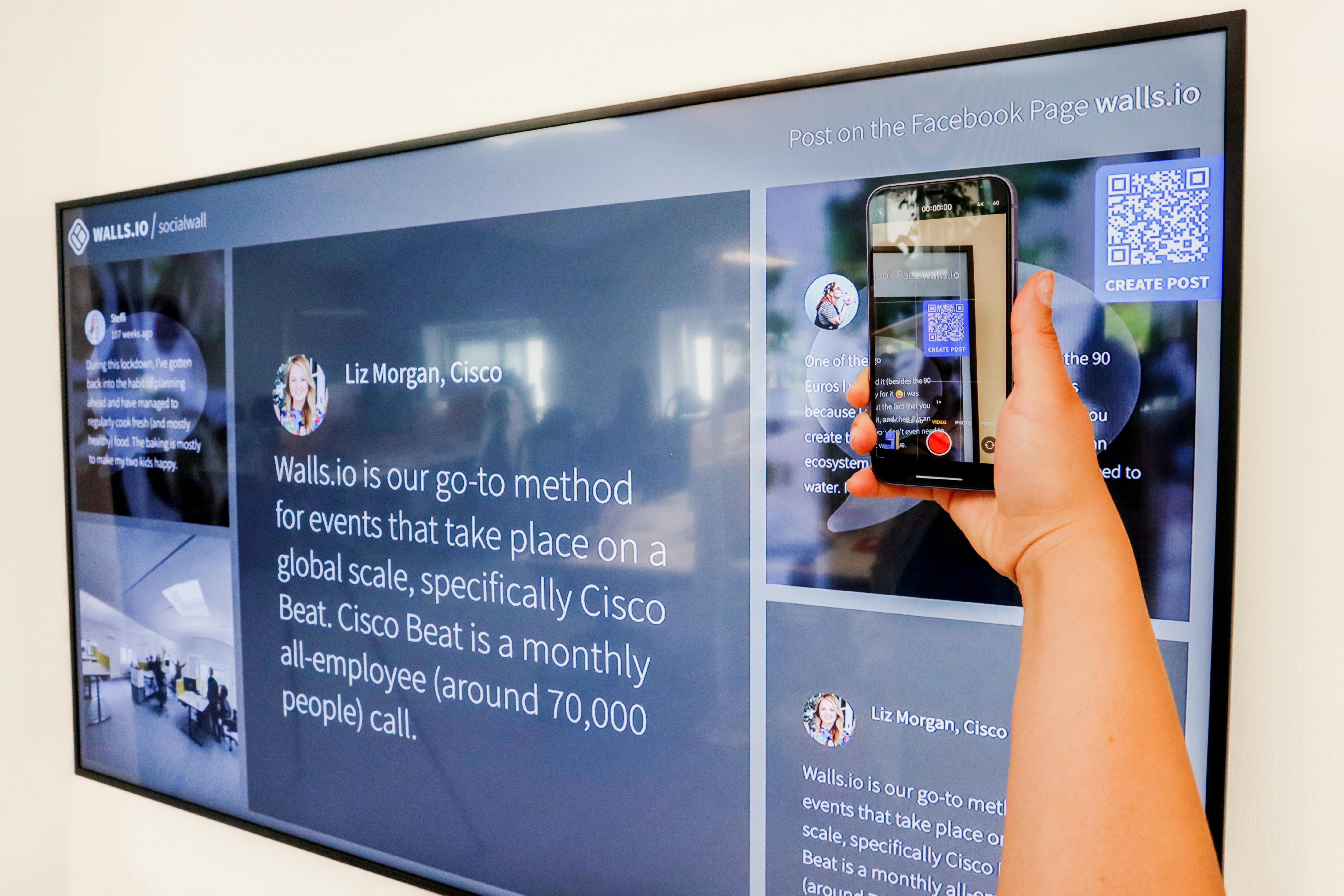
Learn how to effectively print QR codes and short links on flyers to boost engagement and reach your audience efficiently.
Introduction: Why You Need QR Codes and Short Links on Flyers
Are your flyers failing to capture attention? In a digital age, traditional flyers need an upgrade. By incorporating QR codes and short links, you can enhance engagement and provide instant access to detailed information.
Understanding the Need for QR Codes and Short Links
Many people still rely on printed materials for information, yet they expect instant access. QR codes and short links bridge this gap, allowing you to direct potential customers to your website or social media with a quick scan or click.
Step-by-Step Guide to Printing QR Codes and Short Links
Follow these steps to effectively print QR codes and short links on your flyers:
- 1. Choose a QR Code Generator: Use reliable tools like QR Code Generator or QRStuff.
- 2. Create a Short Link: Use a service such as Bitly or TinyURL to shorten your URLs.
- 3. Design Your Flyer: Use design tools like Canva or Adobe Spark to create visually appealing flyers.
- 4. Integrate Codes: Place the QR code and short link clearly on your flyer, ensuring they are easily scannable or readable.
- 5. Print and Distribute: Use quality printing services to ensure your flyers look professional.
Real Examples of Effective Flyers
Consider a local café that includes a QR code on their flyers directing customers to a digital menu. This not only reduces printing costs but also enhances customer experience. Similarly, an event organizer can use a short link to their Eventbrite page, making RSVP easier.
Expert Tips for Maximizing Engagement
- Use contrasting colors for better visibility of your QR code.
- Include a call-to-action (CTA) next to your QR code, encouraging scans.
- Test your QR code and short link before printing to ensure functionality.
- Monitor your link clicks and QR scans to measure engagement.
FAQ Section
- Q: What size should my QR code be on the flyer? A: Aim for at least 1 inch by 1 inch for optimal scanning.
- Q: Can I track the usage of my QR codes? A: Yes, many QR code generators offer tracking features.
- Q: How do I ensure my short link remains active? A: Use reputable link-shortening services that provide stability.
- Q: Is it necessary to include a short link if I have a QR code? A: While not necessary, it provides an alternative for those who prefer typing.
- Q: Can I change the destination of my short link after it's printed? A: Yes, most link shorteners allow you to edit the destination link.
Conclusion: Get Started Today!
Incorporating QR codes and short links into your flyers is a simple yet powerful way to connect with your audience. Ready to elevate your marketing game? For an efficient approach to managing all your links, check out this fantastic resource at Uconnect Pro.