The Best Way to Share Volunteer Signup Forms: Get More Signups Fast
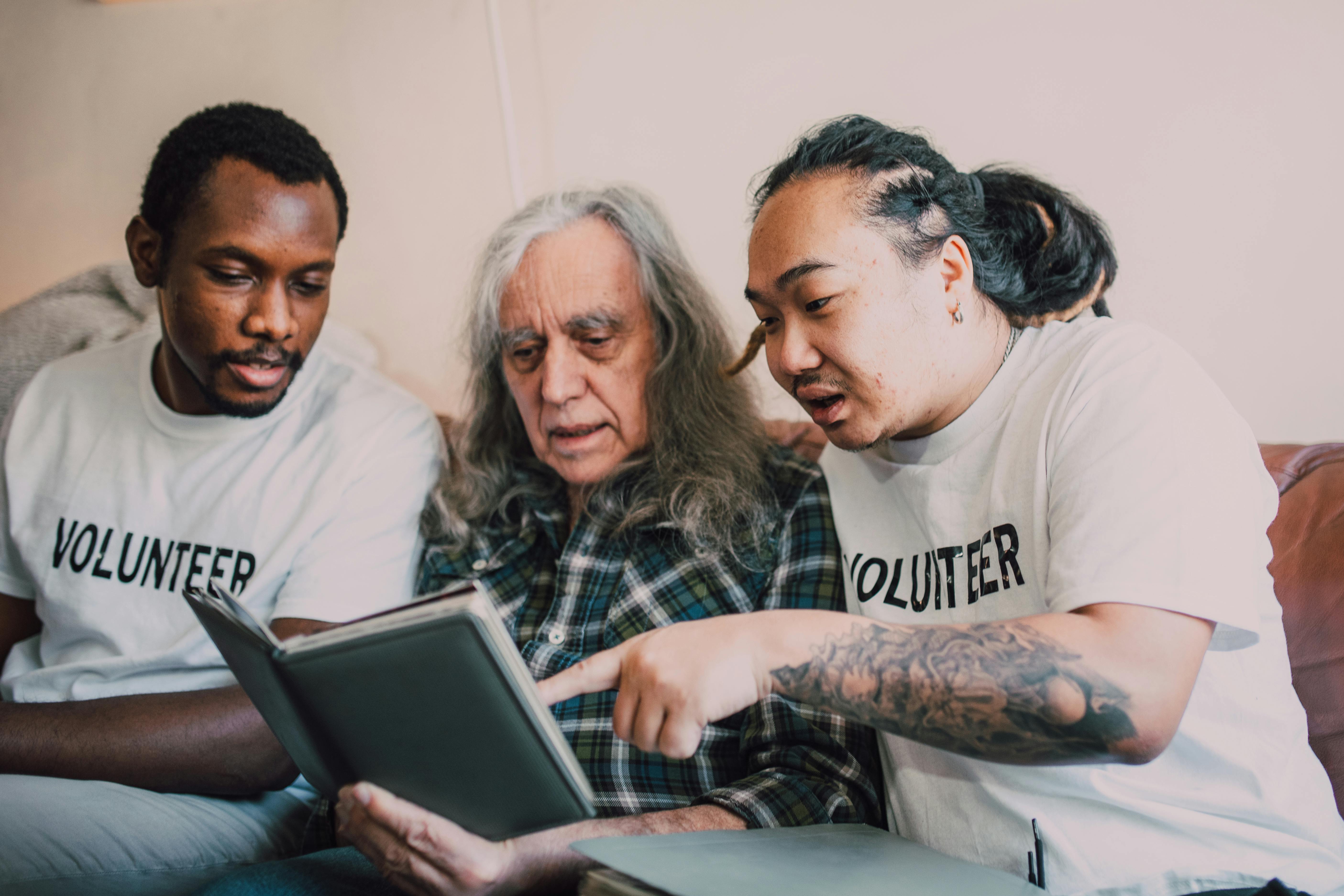
Learn the best strategies to share volunteer signup forms effectively. From QR codes to short links, boost volunteer recruitment with these proven tips.
The Best Way to Share Volunteer Signup Forms
Are you struggling to get enough volunteers for your next event or cause? The problem might not be your mission—it could be how you share your signup form. A long, clunky URL buried in an email or social post kills conversions. The best way to share volunteer signup forms is to make them instant, accessible, and trackable. Let’s explore proven methods that actually work.
Why Sharing Volunteer Signup Forms Matters
Volunteer recruitment is competitive. Potential helpers decide in seconds whether to click. If your signup link looks suspicious or is hard to type, you lose them. A clean, shareable link builds trust and removes friction. That’s why mastering how you share volunteer signup forms directly impacts your signup rate.
Long URLs from platforms like Google Forms or Typeform are ugly and break in text messages. Short, branded links solve this. They also let you track clicks and see which channels drive the most signups.
Top Methods to Share Volunteer Signup Forms
- Use a QR code for print materials and in-person events
- Create a short, memorable link with a URL shortener
- Embed the form directly on your website
- Share on social media with a compelling call to action
- Include the link in your email signature and newsletters
Use a QR Code
QR codes are perfect for flyers, posters, and event banners. People can scan instantly with their phone camera. Learn how to create one effectively in our guide on /blog/how-to-create-a-qr-code-for-your-charity-event-flyer. Pair it with a short link to make scanning even faster.
Create a Short, Memorable Link
A short link is the backbone of any sharing strategy. Use a URL shortener to turn something like <em>https://docs.google.com/forms/d/e/1FAIpQLS.../viewform</em> into <strong>your.org/signup</strong>. For maximum impact, you can https://uconnectpro.live/ with custom domains and branded links that build trust. This also lets you track performance across campaigns.
For more tips, check out /blog/how-to-make-your-donation-page-link-easy-to-share and /blog/how-to-share-your-gofundme-link-without-the-ugly-url. The same principles apply to volunteer signup forms.
Embed on Your Website
Your website is your home base. Place the signup form above the fold on your homepage or create a dedicated “Volunteer” page. Use a prominent button that says “Sign Up Now” instead of a plain text link. This reduces friction and keeps visitors engaged.
Share via Social Media
Social platforms are great for reaching new audiences. On Facebook and Instagram, use the link in bio or Stories with a “Swipe Up” feature. On LinkedIn, share the link in a post with a personal story. Always include a clear call to action like “Join our team today!”
Comparison Table: Sharing Methods
| Method | Ease of Use | Best For | Conversion Rate |
|---|---|---|---|
| QR Code | Very easy (scan only) | Print materials, events | High (if placed well) |
| Short Link | Easy (click or type) | Digital channels | Medium to high |
| Social Media | Moderate (needs engagement) | Broad audience | Medium |
| Easy (insert link) | Existing supporters | High | |
| Website Embed | Moderate (needs dev work) | Organic traffic | High |
Step-by-Step Guide to Share Your Signup Form
- Step 1: Shorten your signup URL using a reliable tool
- Step 2: Create a QR code for the shortened link
- Step 3: Add the link to your email signature and newsletters
- Step 4: Post the link on all social media platforms with a compelling image
- Step 5: Track clicks using the short link’s analytics to see what works
Expert Tips for Higher Signups
<strong>Create urgency:</strong> “Spots are limited—sign up today!” <strong>Make it mobile-friendly:</strong> Most people will open the form on their phone. Test it. <strong>Use a clear call to action:</strong> Avoid “Click here.” Use “Become a volunteer now.”
Also, consider adding a referral incentive. Encourage current volunteers to share the link with friends. A short, branded link makes sharing effortless.
Frequently Asked Questions
- <strong>How do I create a shareable link for my volunteer form?</strong> Use a URL shortener like Bitly or Rebrandly. For custom branding, try Uconnectpro Live.
- <strong>What is the best QR code generator?</strong> Free tools like QR Code Monkey or paid options with analytics. Pair with a short link for best results.
- <strong>Can I track signups from different sources?</strong> Yes. Use UTM parameters or a short link tool with analytics to see which channel drives the most conversions.
- <strong>How do I make my form mobile-friendly?</strong> Use responsive form builders like Google Forms, Typeform, or JotForm. Test on a phone before sharing.
- <strong>Should I use a custom domain for my link?</strong> Absolutely. A branded domain like <em>volunteer.yourorg.org</em> increases trust and click-through rates.
Conclusion
The best way to share volunteer signup forms is to remove every barrier between the person and the form. Use short links, QR codes, and strategic placement across your channels. Start by shortening your current signup URL and adding a QR code to your next flyer.
Ready to boost your volunteer recruitment? Try https://uconnectpro.live/ to create short, branded links for your volunteer signup forms. You’ll get analytics, custom domains, and a professional look that builds trust. Sign up today and see the difference a clean link makes.