How to Share Your New Music Release on Social Media: A Complete Guide for Independent Artists
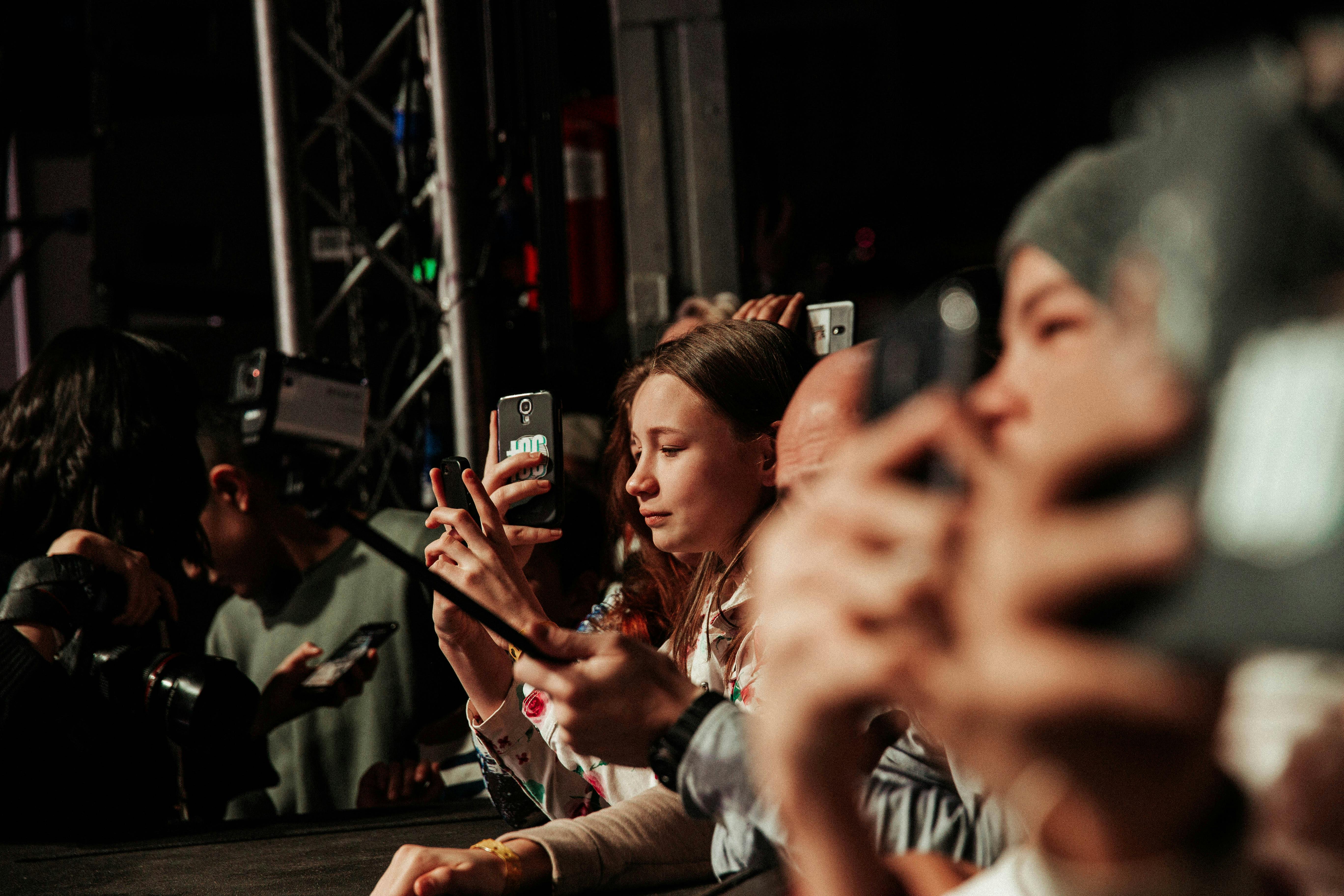
Learn step-by-step how to promote your new music release on social media effectively. Includes expert tips, platform strategies, and smart link tools to boost engagement and streams.
Your Music Is Ready – Now What?
You've finally finished your new track. You're proud of it, and you want the world to hear it. But when you open Instagram, TikTok, or Twitter, you freeze. How do you actually *share* it without feeling spammy or getting ignored? You're not alone. Every independent artist struggles with this moment.
The good news is that sharing your new music release on social media doesn't have to be overwhelming. With a clear strategy, the right tools, and a bit of creativity, you can turn a simple post into a powerful promotional campaign that drives streams, saves, and new fans.
In this guide, we'll walk through exactly how to plan, create, and execute a social media rollout for your next release. Whether you're dropping a single, an EP, or a full album, these steps will help you cut through the noise.
Why Your Social Media Rollout Matters
Social media is where your fans discover new music every day. But simply posting a link and saying "Listen now!" rarely works. Algorithms prioritize engaging content, and fans scroll past generic posts in seconds. A thoughtful rollout builds anticipation, gives your audience a reason to click, and tells a story around your release.
Moreover, sharing your new music release on social media is your chance to control the narrative. You decide the visuals, the captions, and the moment your fans hear the song for the first time. When done right, it feels like an event rather than an announcement.
Step-by-Step Plan to Share Your New Music Release on Social Media
Step 1: Build Pre-Release Hype (1–2 Weeks Before)
Don't wait until release day to post. Start teasing your song early to create anticipation. Share snippets of the recording process, a preview of the chorus, or even a mysterious countdown.
- Post a 15-second snippet of the hook on TikTok and Reels.
- Share a photo of the cover art with a caption like "3 days left 👀".
- Use Instagram Stories with a countdown sticker featuring the release date.
- Ask your followers to guess the song title or vibe.
This phase is also a great time to set up a pre-save link on Spotify and Apple Music. Directing people to a single link that contains all pre-save options makes it easier for fans to act.
Step 2: Choose Your Platforms Wisely
You don't need to be everywhere. Focus on two or three platforms where your audience already hangs out. For most independent artists, that means Instagram, TikTok, and maybe Twitter or YouTube.
| Platform | Best For | Content Type |
|---|---|---|
| Visual storytelling & community | Reels, Stories, carousel posts | |
| TikTok | Viral reach & audio discovery | Short videos, challenges, sound clips |
| YouTube | Music video premieres & long-form | Premiere trailers, behind-the-scenes |
| Twitter / X | Hype tweets & direct fan interaction | Text updates, GIFs, polls |
| Older fan base & events | Album release events, live videos |
For each platform, adapt your message. A short, punchy caption on TikTok works differently than a heartfelt story on Instagram.
Step 3: Create Engaging Visual Assets
Your music might sound incredible, but if the visuals are boring, people won't stop scrolling. Invest time in creating a simple, cohesive aesthetic for your release.
- Use your cover art as the centerpiece in every post.
- Shoot short video clips of yourself reacting to the song or dancing.
- Create a lyric video or a simple animated waveform to share on social media.
- Use consistent colors and fonts across all graphics.
If you don't have design skills, tools like Canva or Adobe Express offer templates specifically for music promotion.
Step 4: Craft Your Captions and Calls to Action
Your caption should do three things: hook the reader, explain why this song matters, and tell them what to do next. Don't just say "Listen now!" – instead, invite them into the experience.
Example: *"This song started as a late-night voice memo in my bedroom. Two years later, it's finally out in the world. A huge thank you to everyone who believed in this track. Tap the link in bio to hear it first 🎧"*
Always include a clear call to action, such as "Listen on Spotify", "Pre-save now", or "Watch the video premiere". And make sure the link works!
Step 5: Use a Smart Link Tool for Your Bio
One of the biggest pain points for artists is having too many links: Spotify, Apple Music, YouTube, merch, tour dates. Instead of picking one, use a smart link manager. This is where the right tool makes a huge difference.
We recommend using a premium link management platform like Uconnectpro.live to create a single, customizable link for your bio. It can dynamically route fans to their preferred streaming service, show up-to-date tour dates, and even track clicks. When you're sharing your new music release on social media, one clean link is far more effective than a messy list.
Pro tip: Update your bio link *before* you post, and test it on mobile to ensure every destination loads correctly.
Step 6: Coordinate Your Launch Day Posts
On release day, post across platforms at the same time (or within an hour) to create a wave of activity. Here's a simple schedule:
- 12:00 AM – Drop the song on streaming platforms (midnight releases work best).
- 8:00 AM – Post a Reel with the full song snippet and a link in bio.
- 12:00 PM – Share a story thanking early listeners and asking for screenshots.
- 6:00 PM – Post a longer video on YouTube or IGTV unpacking the lyrics.
- 9:00 PM – Go live on Instagram or TikTok to chat with fans about the release.
Don't forget to reply to every comment and tag fans who share your music. Engagement is the fuel for algorithms.
Step 7: Keep the Momentum Going (Post-Release)
Your release doesn't end on day one. In the weeks following, continue to share related content: acoustic versions, remixes, fan covers, or a behind-the-scenes video of the studio session.
Also, use analytics from your smart link tool or streaming platforms to see which posts drove the most traffic. Double down on what works. If a certain TikTok video blew up, create a sequel.
Expert Tips for Maximum Impact
- Collaborate with other small artists or influencers to cross-promote your release.
- Create a short, catchy hashtag for your song (e.g., #FeverDreamSummer) and encourage fans to use it.
- Time your posts when your audience is most active – check your Instagram insights for data.
- Use Instagram's 'Add Yours' sticker to start a thread of people sharing their favorite lyrics.
- Never underestimate the power of a personal DM. Message your top 20 fans directly with a thank-you note and the link.
Also, consider linking to related resources on your website. For instance, if you're also releasing a music video, check out our guide on how to share your music video on YouTube for best practices. And if you're selling merch alongside the release, our article on how to make your band merch link professional will help you convert visitors into buyers.
Frequently Asked Questions
Q: Should I post the full song on social media or just a snippet?
A: Post a snippet only – 15 to 30 seconds max. You want to tease the song and make people curious enough to click the link. If you give away the whole track, there's no reason to stream it.
Q: How early should I start promoting my release?
A: Start 1–2 weeks before the release date. Any earlier and you risk losing momentum; any later and you don't give people time to pre-save or plan.
Q: What if I don't have a big following? Will anyone care?
A: Yes! Even 100 engaged fans can make a huge impact. Focus on quality interactions, not follower count. Use your smart link to track which platform sends the most engaged listeners.
Q: Should I use the same link for all my social media bios?
A: Ideally yes – a single link created with a premium link management platform ensures consistency and lets you update one URL when needed. For example, you can point all bios to your Uconnectpro.live link, then change the destinations inside without editing each platform.
Q: How do I ask fans to share my song without sounding desperate?
A: Make it fun and rewarding. Run a contest: ask fans to share a story with your song and tag you, then repost the best ones. People love recognition more than prizes.
Your Next Release Deserves a Real Strategy
Sharing your new music release on social media doesn't have to be a guessing game. By building hype, choosing the right platforms, creating engaging visuals, and using a smart link tool, you can turn each release into a mini-campaign that grows your audience.
Start with one simple change: clean up your bio link. Check out Uconnectpro.live to create a professional, trackable link that puts your streaming, merch, and social profiles in one place. Then use the steps above to promote like a pro.
Your music deserves to be heard. Share it with confidence.