How to Create a QR Code for Your Charity Event Flyer: A Step-by-Step Guide
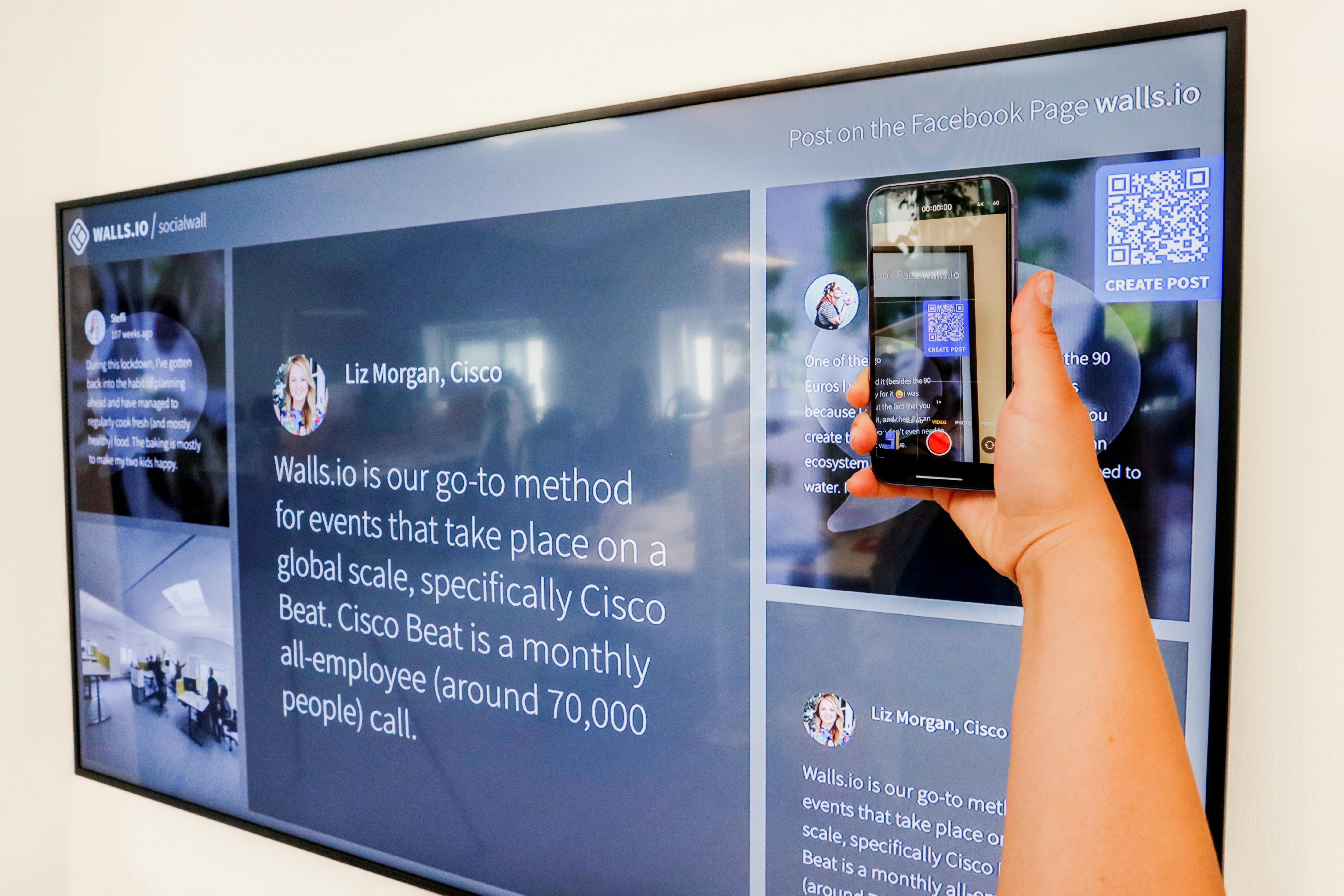
Learn how to create a QR code for your charity event flyer to boost donations and attendance. Step-by-step guide with tips and tools.
Why Your Charity Event Flyer Needs a QR Code
You’ve spent hours designing the perfect flyer for your charity event. It’s colorful, compelling, and packed with information. But there’s one problem: people have to type a long URL into their browser to donate or RSVP. That friction kills conversions.
A QR code solves this instantly. It lets supporters scan your flyer with their phone and land directly on your donation page, event registration, or social media. No typing, no errors, no drop-offs. In this guide, I’ll show you how to create a QR code for your charity event flyer—step by step.
What Is a QR Code and Why It Works for Nonprofits
A QR code (Quick Response code) is a two-dimensional barcode that smartphones can scan. When scanned, it opens a link, shows text, or triggers an action. For nonprofits, it’s a game-changer because it bridges the gap between offline materials and online actions.
Think about it: your flyer might be handed out at a community center, posted on a bulletin board, or mailed to donors. Without a QR code, you’re asking them to remember your URL or search for your website later. With a QR code, they act immediately.
Step-by-Step Guide: How to Create a QR Code for Your Charity Event Flyer
Step 1: Choose Your Target Link
First, decide what action you want people to take. Common options for charity event flyers include:
- Donation page (e.g., GoFundMe, PayPal, or your own site)
- Event registration form (e.g., Google Forms, Eventbrite)
- Volunteer signup form
- Social media profile (e.g., Instagram or Facebook)
- Your nonprofit’s homepage
Make sure the link is mobile-friendly. Long, ugly URLs can be a turn-off, so consider using a link shortener. For example, you can shorten URLs for free with tools like Uconnectpro Live to create clean, trackable links.
Step 2: Use a QR Code Generator
There are many free and paid QR code generators. For a charity event flyer, I recommend these:
| Tool | Free Version | Best For |
|---|---|---|
| QR Code Monkey | Yes | Custom designs with colors and logos |
| QR Code Generator (by Scanova) | Yes (limited) | Dynamic QR codes with analytics |
| Uconnectpro Live | Yes | Link shortening + QR code in one place |
| GoQR.me | Yes | Simple, no-frills generation |
Choose a tool that allows you to customize the QR code with your nonprofit’s logo or colors. This builds trust and brand recognition.
Step 3: Customize Your QR Code
A plain black-and-white QR code works, but a branded one gets more scans. Add your organization’s logo in the center and use your brand colors. Most generators let you do this for free.
Keep the contrast high—dark code on a light background. Avoid placing it on a busy pattern. Test the scan from different distances and lighting conditions.
Step 4: Test Before Printing
Always test your QR code on multiple devices and apps. Ask a colleague to scan it too. Check that the link works and the landing page is mobile-optimized. A broken QR code on a printed flyer is a wasted opportunity.
Step 5: Place the QR Code Strategically on Your Flyer
Your QR code should be visible but not overwhelming. Place it near the call-to-action (CTA). For example, next to “Donate Now” or “RSVP Today.” Add a short instruction like “Scan to donate” so people know what to do.
Step 6: Track and Optimize
If you use a dynamic QR code (one that can be edited later), you can track scans, locations, and devices. Use this data to improve future flyers. For example, if scans are low, try a larger code or a more prominent placement.
Real Examples: How Nonprofits Use QR Codes on Flyers
Let’s look at two real-world cases to inspire you.
Example 1: Local Animal Shelter Adoption Event
A small animal shelter created flyers for their “Adopt-a-thon” and included a QR code linking to their adoption application. They placed the flyers at pet stores and vet clinics. Within two weeks, 40% of applications came from scanned QR codes. They also used a shortened link to track which locations drove the most scans.
Example 2: Food Bank Fundraising Gala
A food bank printed flyers for their annual gala and added a QR code that led directly to their donation page. They also linked to a volunteer signup form on the same flyer. The result? A 25% increase in online donations compared to the previous year, and 50 new volunteers signed up.
Expert Tips for Maximizing QR Code Scans on Charity Flyers
Here are pro strategies to get the most out of your QR code:
- Use a clear CTA next to the code (e.g., “Scan to help” or “Donate in 10 seconds”)
- Place the code at eye level or in a natural scanning position
- Keep the code size at least 2x2 cm (1 inch) for easy scanning
- Test the code in different lighting—outdoor flyers need higher contrast
- Combine the QR code with a short URL as a backup for people who can’t scan
Also, consider linking to a mobile-optimized landing page. If your donation page isn’t responsive, people will abandon it. Tools like Uconnectpro Live not only shorten URLs for free but also provide analytics so you can see how many people scanned and where they came from.
Common Mistakes to Avoid
- Using a QR code that is too small or low resolution
- Placing the code on a dark or busy background
- Not testing the code on multiple phones
- Linking to a non-mobile-friendly page
- Forgetting to add a clear call-to-action
Avoid these pitfalls, and your flyer will drive real results.
How to Integrate QR Codes with Your Broader Marketing
Your charity event flyer is just one piece of the puzzle. For a cohesive strategy, consider these related topics:
- How to Make Your Donation Page Link Easy to Share – Ensure your donation link is short and memorable.
- The Best Way to Share Volunteer Signup Forms – Use QR codes on flyers to drive volunteer signups.
- How to Share Your GoFundMe Link Without the Ugly URL – Clean links look more professional.
- How to Make Your Newsletter Donation Button Clickable – Combine email and offline marketing.
By connecting these pieces, you create a seamless donor experience from flyer to donation.
Frequently Asked Questions
1. Do I need a smartphone to create a QR code?
No. You can create a QR code on any computer using a web-based generator. But you’ll need a smartphone to test it.
2. Can I edit a QR code after printing?
Only if you use a dynamic QR code. Static codes cannot be changed. Dynamic codes also let you track scans.
3. How big should the QR code be on my flyer?
At least 2x2 cm (1 inch) for standard print. Larger is better, especially if the flyer will be viewed from a distance.
4. Will a QR code work on glossy paper?
Yes, but test it first. Glossy surfaces can cause glare. Use matte lamination if possible.
5. How do I track how many people scanned my QR code?
Use a dynamic QR code from a provider that offers analytics. You’ll see scan counts, locations, and devices.
Conclusion: Start Creating Your Charity Event QR Code Today
Adding a QR code to your charity event flyer is one of the easiest ways to boost donations, attendance, and engagement. It removes friction and makes it simple for supporters to take action.
Remember to choose the right link, customize your QR code, test it thoroughly, and place it strategically. Use a tool like Uconnectpro Live to shorten URLs for free and track your results.
Now it’s your turn. Grab your flyer design, generate a QR code, and watch your nonprofit’s impact grow. Have questions? Drop them in the comments below!