How to Share Your Interior Design Portfolio on Pinterest: A Step-by-Step Guide
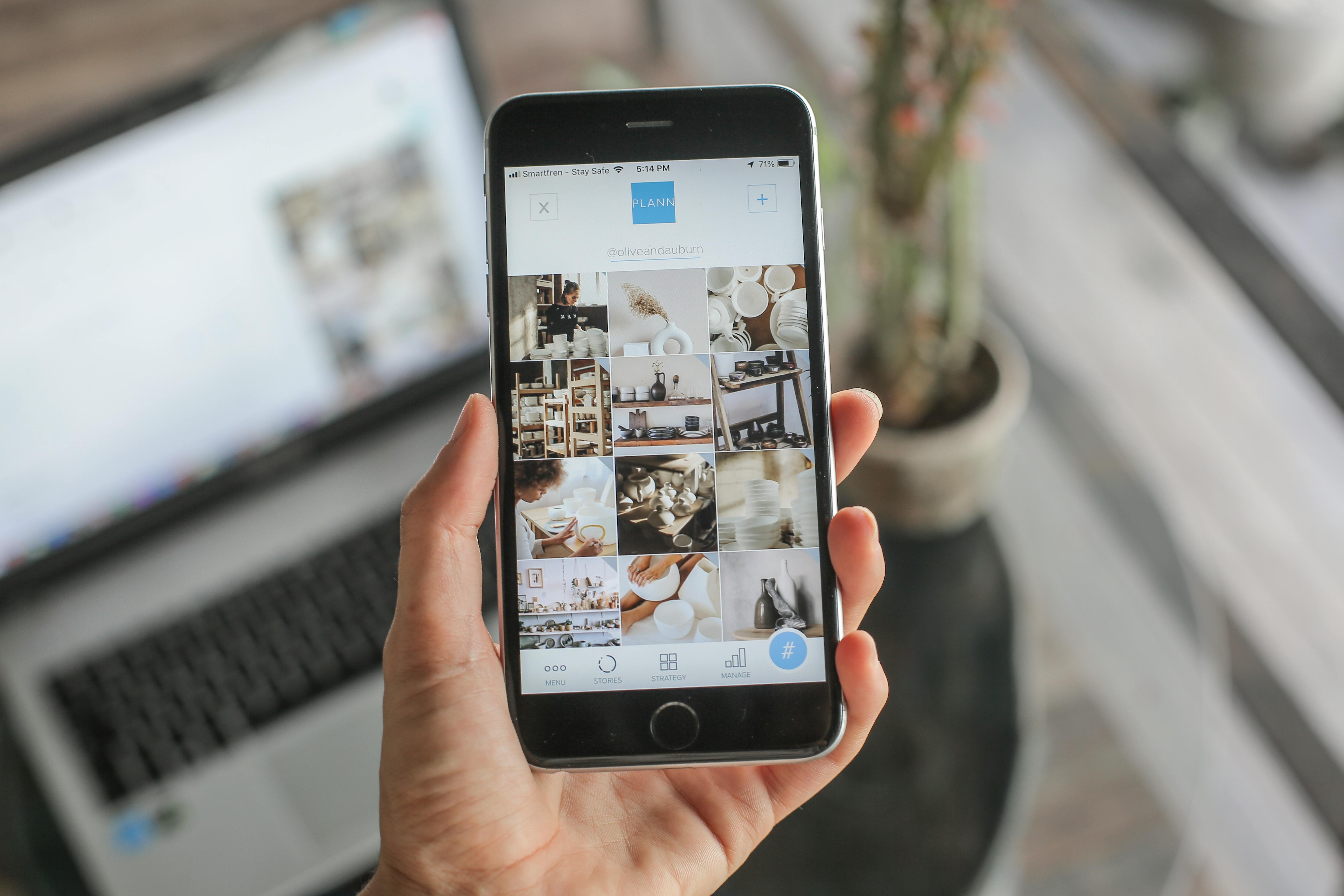
Learn the best strategies to share your interior design portfolio on Pinterest. Boost visibility, drive traffic, and impress clients with these actionable tips.
How to Share Your Interior Design Portfolio on Pinterest: A Step-by-Step Guide
You’ve spent hours curating your interior design portfolio—stunning photos, mood boards, and before-and-after shots. But when you share it on Pinterest, you get a handful of likes and zero inquiries. Sound familiar? The problem isn’t your work; it’s how you’re sharing it.
Pinterest is a visual search engine, not just a social platform. To truly showcase your interior design portfolio, you need a strategy that grabs attention, builds trust, and drives potential clients to your website. This guide will walk you through every step, from pin creation to link optimization, so your portfolio finally gets the attention it deserves.
Why Pinterest Is a Goldmine for Interior Designers
With over 450 million monthly active users, Pinterest is where people go for inspiration—especially for home decor. According to Pinterest’s own data, 80% of weekly Pinners have made a purchase based on a brand’s pins. For interior designers, that means your portfolio isn’t just a gallery; it’s a lead generation tool.
But here’s the catch: a simple link to your portfolio won’t cut it. You need to create pins that are clickable, shareable, and optimized for discovery. And once someone clicks, the link must work flawlessly—no broken URLs or messy redirects.
Step 1: Prepare Your Portfolio for Pinterest Sharing
Before you even open Pinterest, make sure your portfolio is visually cohesive. Pick your best 10–15 projects—quality over quantity. Each image should be high-resolution and have a consistent style. Add a watermark or your logo to protect your work, but keep it subtle.
Next, organize your portfolio into a dedicated page on your website. Use a clean layout that loads fast on mobile. Pinterest rewards mobile-friendly sites, and most of your traffic will come from phones.
Step 2: Create Pinterest-Optimized Pins
Pinterest favors vertical images with a 2:3 aspect ratio (like 1000 x 1500 pixels). Add text overlays that describe the room or project—for example, “Modern Living Room Makeover” or “Boho Bedroom Design.” Use readable fonts and contrasting colors.
Don’t just upload a single photo per pin. Create carousel pins (multiple images) that show different angles of the same project. This keeps users engaged and increases the chance they’ll click through to your portfolio.
Step 3: Write SEO-Friendly Descriptions
Pinterest is a search engine, so your pin descriptions must include relevant keywords. Think like a client: what would they type in the search bar? Use phrases like “interior design portfolio,” “home decor ideas,” and “living room design.”
But don’t stuff keywords. Write naturally: “Check out my interior design portfolio featuring a coastal-themed kitchen remodel. Perfect for anyone looking for kitchen renovation ideas.” This helps Pinterest understand your content and recommend it to the right audience.
Step 4: Use Rich Pins to Add Credibility
Rich Pins automatically sync information from your website to your pins. For interior design portfolios, you should apply for Article Rich Pins. They include the headline, description, and author. This keeps your pins up-to-date even if you change your portfolio page.
To enable Rich Pins, add meta tags to your website (or use a plugin if you’re on WordPress). Then validate them through Pinterest’s developer site. It takes a few minutes, but the payoff is huge: users see extra context before clicking.
Step 5: Shorten and Customize Your Links
A long, ugly URL like “yourwebsite.com/portfolio/project-2024/kitchen” can scare off potential clients. It looks messy and can break in a pin description. Instead, use a short, branded link that’s easy to remember and track.
You can use a link shortener to create clean links for each pin. For example, “uconnectpro.live/kitchen-makeover” looks professional and builds trust. Tools like Uconnectpro allow you to optimize your URLs, add custom slugs, and even track clicks. This is especially useful when sharing multiple pins from the same portfolio—you can see which projects drive the most traffic.
Pro tip: Always test your shortened link before pinning. Click it on both desktop and mobile to ensure it redirects to the correct page. A broken link wastes your pin’s potential.
Step 6: Pin to Targeted Boards
Don’t just dump all your portfolio pins into one board. Create separate boards for different styles or rooms: “Modern Kitchen Designs,” “Small Apartment Ideas,” “Luxury Bedrooms.” This makes it easier for users to find exactly what they’re looking for.
Also, join relevant group boards in the interior design niche. Group boards have large followings, so your pins get instant exposure. Search for boards with keywords like “interior design portfolio” or “home decor inspiration.” Always follow the board rules—some require you to pin a certain number of others’ pins first.
Step 7: Promote Your Pins and Engage
Pinterest rewards fresh content. Schedule pins using a tool like Tailwind or Later to keep a consistent posting rhythm. Aim for 3–5 new pins per day, mixing portfolio projects, mood boards, and behind-the-scenes photos.
Engage with your audience by replying to comments on your pins. Ask questions like “Would you prefer a lighter wood finish?” to spark conversation. The more engagement, the higher your pins rank in Pinterest’s algorithm.
Comparison: Long URLs vs. Short Branded Links for Pinterest
| Feature | Long URL | Short Branded Link |
|---|---|---|
| Appearance | Messy, hard to read | Clean, professional |
| Click-through rate | Lower (users hesitant) | Higher (trustworthy) |
| Tracking | Requires extra tools | Built-in analytics |
| Customization | None | Can add keywords like ‘kitchen-design’ |
| Mobile suitability | May break in text | Always works |
As you can see, using short, branded links (like those from <a href='https://uconnectpro.live/'>Uconnectpro</a>) gives you a clear advantage on Pinterest. They look better, perform better, and make your portfolio shareable across other platforms too.
Expert Tips for Maximum Portfolio Exposure
- Create a “Best of Portfolio” pin that links to a landing page with your top 5 projects.
- Add a Pinterest “Save” button to every page on your portfolio site so visitors can pin directly.
- Collaborate with other designers by co-creating a board and cross-promoting pins.
- Use video pins (Idea Pins) to show a quick tour of a project—videos get 5x more saves than static images.
- Always include a call-to-action in your pin description, like “See the full transformation at the link.”
Internal Links to Related Portfolio Sharing Strategies
Pinterest isn’t the only place to share your design work. For a complete online presence, learn <a href='/amazon-home-decor-storefront-link'>The Best Way to Link Your Amazon Home Decor Storefront</a> to monetize your recommendations. If you use mood boards, check out <a href='/short-link-mood-board'>How to Create a Short Link for Your Mood Board</a> for a cleaner sharing experience.
And if you create DIY tutorials, <a href='/diy-tutorial-short-link'>How to Share Your DIY Tutorial with a Short Link</a> will help you drive traffic. Home stagers can also benefit from <a href='/home-staging-service-link-professional'>How to Make Your Home Staging Service Link Professional</a>.
FAQ: Sharing Your Interior Design Portfolio on Pinterest
Got questions? Here are answers to common concerns from designers.
- <strong>Q: Should I pin the same image to multiple boards?</strong><br>A: Yes, but change the pin description for each board. Pinterest treats repins from the same user as fresh content, so it can increase reach.
- <strong>Q: How often should I update my portfolio pins?</strong><br>A: At least once a month. Add new projects and archive old ones. If you have a seasonal portfolio, update pins accordingly.
- <strong>Q: Can I use Pinterest analytics to track portfolio traffic?</strong><br>A: Absolutely. Pinterest Analytics shows top pins, impressions, and clicks. Use UTM parameters in your short links to see which pins drive the most conversions.
- <strong>Q: What’s the best image size for portfolio pins?</strong><br>A: 1000 x 1500 pixels (2:3 ratio). Avoid square or landscape images—they get less engagement.
- <strong>Q: Do I need a business account?</strong><br>A: Yes. A Pinterest Business account gives you access to analytics, Rich Pins, and advertising options. It’s free and essential for serious portfolio sharing.
Start Sharing Your Portfolio with Confidence
Your interior design portfolio deserves to be seen by the right people. By following these steps—optimized pins, smart descriptions, and professional short links—you’ll turn Pinterest into a reliable source of leads and inspiration.
Don’t let messy URLs hold you back. Use a tool like <a href='https://uconnectpro.live/'>Uconnectpro</a> to create clean, trackable links for every pin. It’s a small change that makes a big difference in how your brand is perceived.
Now go ahead and pin your best project. The next client is just a click away.