How to Share Your Fashion Haul on YouTube: A Step-by-Step Guide for Style Content Creators
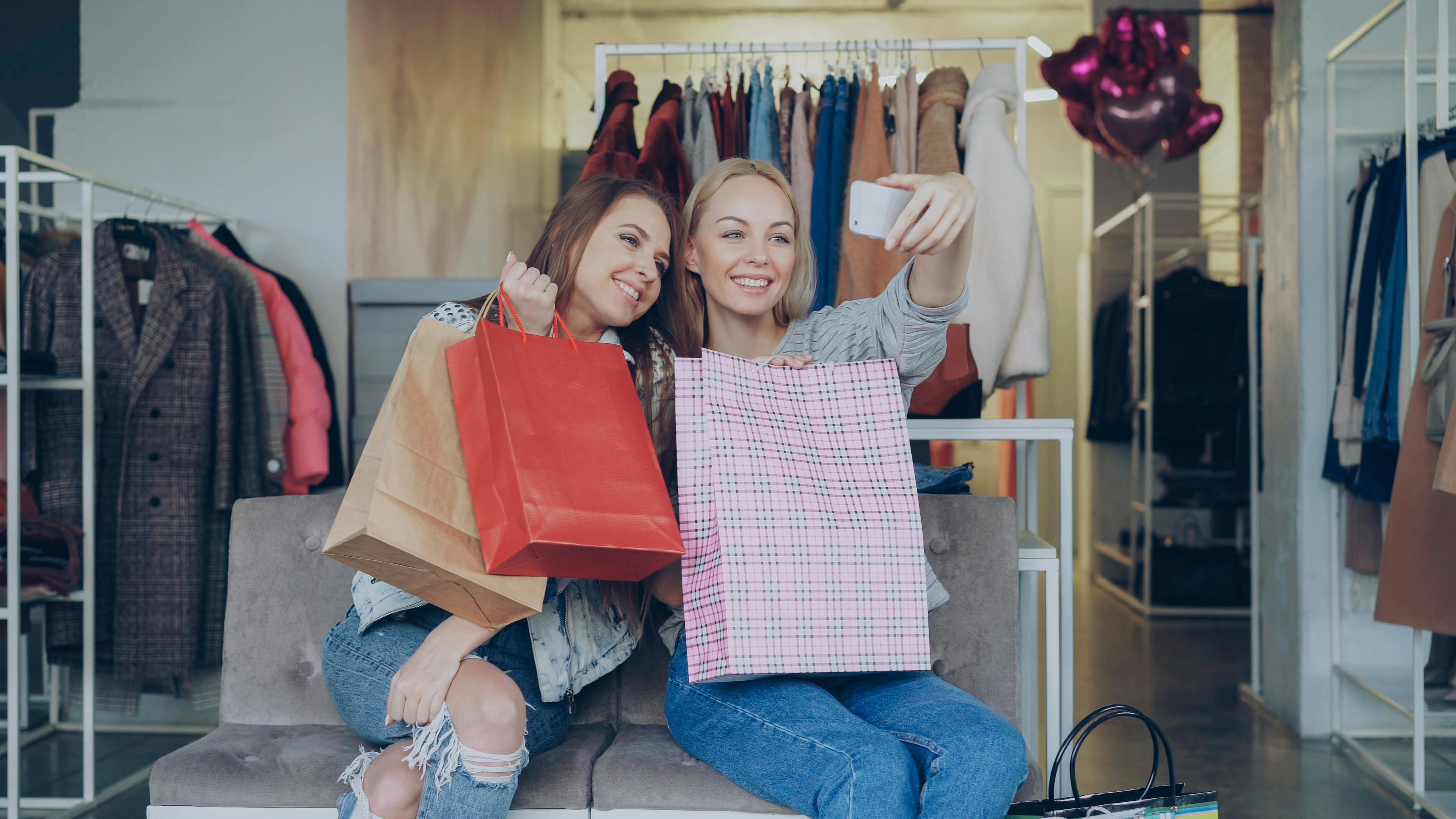
Learn how to share your fashion haul on YouTube with expert tips on planning, filming, editing, and promoting your video to maximize views and engagement.
How to Share Your Fashion Haul on YouTube: A Step-by-Step Guide for Style Content Creators
You just got a huge shopping haul—new dresses, sneakers, accessories—and you’re itching to show the world. But once you sit down to film, you freeze. How do you turn that pile of clothes into a YouTube video that actually gets views and grows your channel? You’re not alone. Many aspiring fashion creators struggle with structuring their haul content in a way that’s engaging, authentic, and optimized for YouTube’s algorithm.
Sharing a fashion haul on YouTube isn’t just about unboxing and saying “I love this.” It’s about storytelling, visual appeal, and strategic promotion. In this guide, I’ll walk you through every step—from pre-production to promotion—so you can film your next haul with confidence. Plus, I’ll show you how to make your video work harder for you, especially if you’re using affiliate links.
Why Fashion Hauls Are a Power Move for Your Channel
Fashion hauls are one of the most searched categories on YouTube. They generate trust, inspire shopping decisions, and often rank high in search results. But the difference between a good haul and a great one lies in how you share it. A sloppy, unplanned video will tank your watch time, while a well-crafted one can skyrocket your subscriber count.
In this post, we’ll cover everything from planning your shoot to editing and linking your affiliate products. By the end, you’ll have a repeatable system for sharing your next fashion haul like a pro.
Step 1: Pre‑Production – Plan Your Haul Like a Pro
Choose Your Theme and Audience
Before you pick up a camera, decide the angle of your haul. Are you showing budget-friendly finds from Zara, luxury pieces from Nordstrom, or a mix of thrifted gems? Your theme helps you target the right keywords—like “affordable summer haul” or “high-end streetwear try-on.” This also makes it easier to write your title and description later.
Organize Your Items and Write a Loose Script
Lay out every item you plan to feature. Sort them by category (tops, bottoms, shoes, accessories) or by store. Then jot down what you’ll say about each piece: the fit, fabric, price, and why you bought it. A script doesn’t have to be word-for-word—just bullet points to keep you on track. This saves you from rambling and keeps your video tight.
Set Up Your Filming Environment
Lighting is everything for fashion content. Use natural light near a window or invest in a simple ring light. Clean your background—choose a clutter-free wall or a neat corner of your room. Also, test your camera position so you can show both full-body outfits and close-up details. If you film in 4K, even better.
Step 2: Filming – Capture the Details That Matter
Show Each Item Clearly with Try-Ons
Start your video with a quick intro (10–15 seconds) that tells viewers what to expect: “Hey guys, today I’m sharing my entire vacation haul from ASOS and Amazon – let’s dive in.” Then move item by item. Hold up each piece, show the fabric texture, and then try it on. Walk a few steps so viewers see how it moves. If it’s a dress or jacket, do a 360 turn.
Be honest with your reviews. If something runs small or feels cheap, say so. Authenticity builds trust and makes viewers more likely to click your affiliate links.
Use B-Roll and Close-Ups
Add variety by cutting to close-up shots of tags, stitching, or unique details. You can also film B-roll of the items lying flat or being folded. These clips help you hide jump cuts and keep the pace dynamic. If you don’t have a second camera, use your phone for the close-ups.
Step 3: Editing – Make Your Haul Fast and Watchable
The ideal length for a fashion haul is 8–12 minutes. Longer videos can work if you have 20+ items, but try to keep each segment under 45 seconds. Use jump cuts to remove dead air and repetitive phrases. Add text overlays with item names and prices—it helps skimmers find what they want.
Choose the Right Music and Transitions
Free vs Paid Editing Software Comparison
| Software | Price | Key Features | Best For |
|---|---|---|---|
| DaVinci Resolve | Free | Color grading, noise reduction, Fairlight audio | Advanced editors on a budget |
| CapCut | Free (in-app purchases) | Easy auto-captions, trendy transitions, mobile app | Quick edits on the go |
| Adobe Premiere Pro | Monthly subscription | Professional timeline, integration with After Effects | Serious YouTubers |
| Final Cut Pro | One-time purchase | Fast rendering, magnetic timeline, 360° support | Mac users |
Choose royalty-free music from YouTube Audio Library or Epidemic Sound. Avoid pop songs—they can get your video demonetized. For transitions, simple dip to black or a quick zoom works better than flashy effects that distract from the clothes.
Step 4: Uploading to YouTube – Optimize for Search
Craft an SEO-Friendly Title and Description
Your title should include your main keyword (e.g., “summer fashion haul 2026”) plus a hook like “I tried 20 dresses from Zara – honest review.” Write a description that starts with a summary and includes timestamps. List each item and its price. This helps with search and gives viewers a reason to watch until the end.
Don’t forget to add relevant tags—use phrases like “fashion haul,” “haul try on,” “clothing review,” and brand names. Also, paste your affiliate links in the description. If you want to track how many people click those links, consider using a dedicated link management tool to maximize link performance and gain insights. Uconnectpro offers smart short links that are perfect for fashion creators who want to see exactly which items drive sales.
Design a Click-Worthy Thumbnail
Use a clear, well-lit photo of you wearing a standout piece. Add bold text in a contrasting color—like “MASSIVE HAUL” or “10 DRESSES REVIEW.” Keep the text short and readable on mobile. A good thumbnail can increase your click-through rate by 30% or more.
Step 5: Promote Your Haul Across Platforms
One video on YouTube isn’t enough. Share a 15-second teaser on Instagram Reels or TikTok with a link to the full video. If you post outfits on Instagram, check out our guide on <strong>How to Share Your Outfit of the Day on Instagram</strong> to maximize cross-platform reach. For your affiliate storefront, read <strong>The Best Way to Link Your LTK (LikeToKnowIt) Storefront</strong> to make sure your links are always up to date.
You can also create a custom short link using Uconnectpro to share your haul video or lookbook easily. Need help with that? See <strong>How to Create a Short Link for Your Lookbook</strong> and <strong>How to Make Your Personal Stylist Booking Link Professional</strong> for more targeted tips.
Expert Pro Tips for Fashion Haul Success
<em>Use timestamps in your video’s description</em> so viewers can jump to specific items. This improves user experience and watch time. Also, pin a comment with the main link to your haul playlist or a discount code. And always encourage viewers to subscribe—say it naturally, like “If you love this kind of content, hit that subscribe button for more hauls every week.”
Another lesser-known hack: <strong>add a card or end screen at the end</strong> linking to a related video (like your last haul or a styling video). This keeps people on your channel longer, which signals YouTube to recommend your content more.
Frequently Asked Questions
- What equipment do I need for a fashion haul video? A good smartphone or DSLR, a tripod, a ring light, and a clean background. That’s it.
- How long should my fashion haul be? Aim for 8–12 minutes if you have 5–10 items. For larger hauls, cap at 15 minutes.
- How do I avoid copyright issues with music? Use YouTube Audio Library or royalty-free sites like Epidemic Sound, Artlist, or Uppbeat.
- Should I show prices in the video? Yes, but also include them in the description or on-screen text. It helps buyers decide quickly.
- How can I get my first fashion haul noticed? Optimize your title and tags, share teasers on social media, and collaborate with other fashion creators.
Ready to Film Your Next Haul?
Sharing a fashion haul on YouTube doesn’t have to feel overwhelming. Start with a simple plan, film with intention, edit cleanly, and promote smartly. Each video you post teaches you something new—and every view brings you closer to building a loyal community of style lovers.
Now go grab your camera and that pile of new clothes. You’ve got this. And if you want to make tracking your affiliate links effortless, try a link management tool like Uconnectpro to simplify your workflow and understand your audience better.