How to Share a Recipe Without the Clutter: A Clean Link Guide
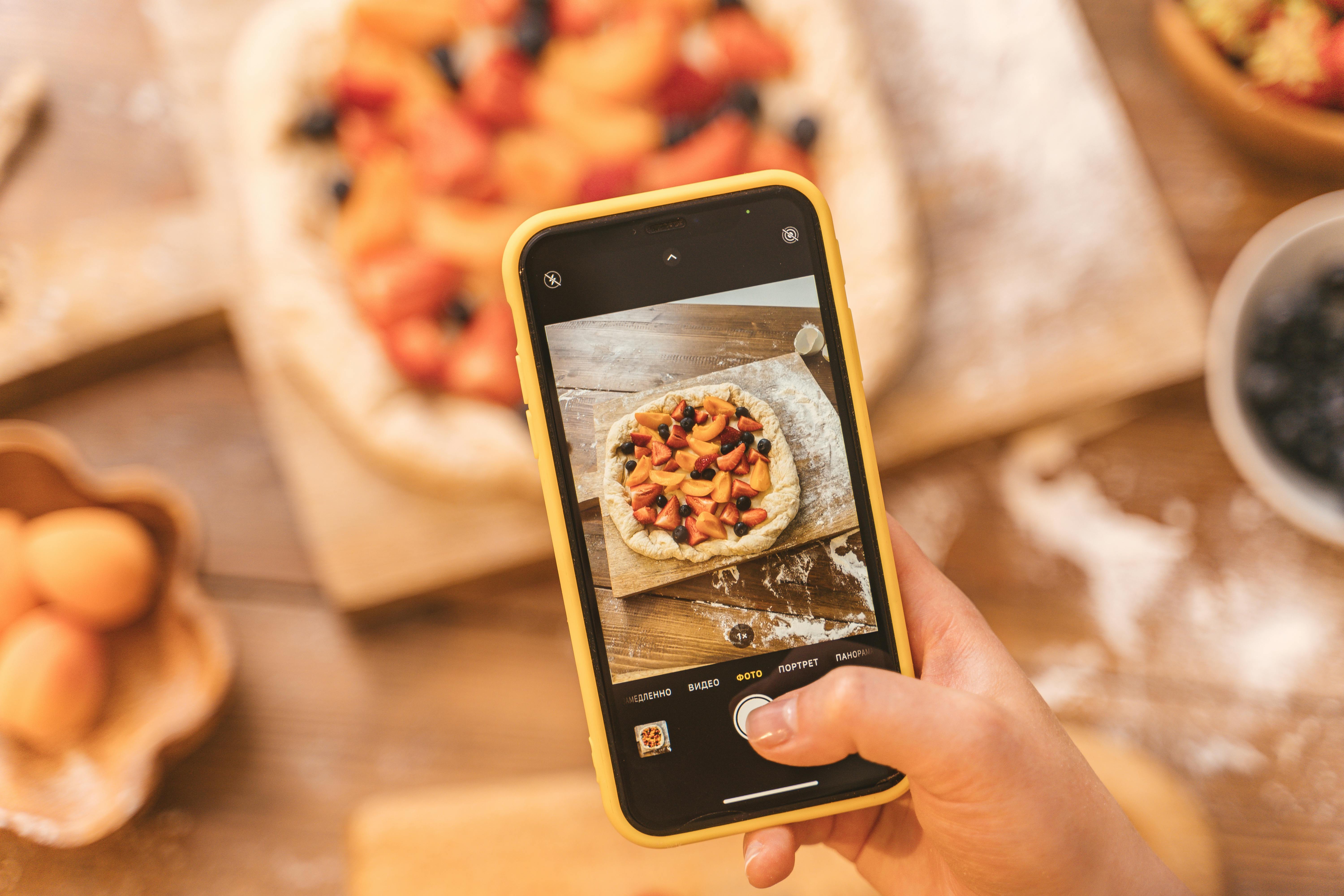
Tired of messy recipe links? Learn how to share a recipe without the clutter using a branded URL shortener for clean, memorable, and trackable links.
Share a Recipe Without the Clutter – Finally!
You’ve just perfected grandma’s famous chocolate cake. You want to text the recipe to your sister, post it in the family group chat, and maybe even share it on social media. But when you copy the link from your blog or recipe app, it’s a monster: a string of random numbers, question marks, and tracking codes. That clutter kills the experience. You need a way to share a recipe without the clutter.
Long, ugly links are not only hard to read—they break in messaging apps, look spammy, and discourage clicks. The solution? A branded URL shortener. By shortening your link and adding your own brand, you turn a messy URL into something clean, trustworthy, and easy to share.
Why Clean Links Matter for Recipe Sharing
When you share a recipe, you want the focus to be on the ingredients and instructions, not the link. Cluttered URLs distract and confuse. Here’s why cleaning them up benefits everyone:
- Better readability – Short, branded links are easy to copy and paste.
- Increased click-through rates – People are more likely to tap a clean link.
- Less link breakage – No more URLs split across lines in messaging apps.
- Brand consistency – Your favorite recipe site or personal blog stays in the spotlight.
Using a branded URL shortener like Uconnectpro.live transforms your recipe links into something you’re proud to share. No more “link in bio” that looks like gibberish.
Step-by-Step Guide to Sharing a Recipe Without the Clutter
Follow these simple steps to turn any long recipe URL into a clean, branded short link.
Step 1 – Copy the Original Recipe URL
Open the recipe page on your blog, a food site, or your notes app. Copy the full URL. It might look something like: https://www.myfoodblog.com/recipes/2026/07/08/grandmas-chocolate-cake?utm_source=family&utm_medium=link
Step 2 – Choose a Branded URL Shortener
Not all shorteners are equal. Free ones give you random letters. A branded URL shortener lets you customize the domain and the slug. For example, you can turn the ugly link above into: https://myfam.link/chocolate-cake. That’s clean, memorable, and on-brand. Visit <a href="https://uconnectpro.live/" target="_blank" rel="noopener">Uconnectpro.live</a> to get started.
Step 3 – Customize the Short Link
Paste your long URL into the shortener’s dashboard. Choose a custom alias (the part after the slash). Use keywords like “chocolate-cake” or “grandma-recipe.” Keep it short and meaningful.
Step 4 – Share the Clean Link Everywhere
Now you can text it, post it, or email it without any clutter. The link is short, branded, and even trackable. You’ll know how many people clicked it.
Real Example: From Messy to Minimal
Before: https://www.allrecipes.com/recipe/12345678/grandmas-chocolate-cake/?print=true&utm_medium=social&utm_campaign=summer2026
After: https://family.link/chocolate-cake
That’s a 90% reduction in characters. Your sister won’t have to squint. Your family group chat stays clean. And you can even add a note like “Here’s the cake recipe – click the clean link!”
Comparison: Free Shorteners vs. Branded URL Shorteners
| Feature | Free Shortener (e.g., bit.ly) | Branded URL Shortener (e.g., Uconnectpro) |
|---|---|---|
| Custom domain | No | Yes |
| Custom alias | Limited | Full control |
| Brand visibility | None | Your brand shows |
| Link tracking | Basic | Advanced analytics |
| Clutter level | Medium | Zero |
If you share recipes regularly, a branded shortener is worth the investment. It turns every recipe link into a mini-brand asset.
Expert Tips for Clutter-Free Recipe Sharing
- Use a dedicated domain for family links, like family.link or recipe.link.
- Keep aliases under 20 characters and use hyphens for readability.
- Create a folder structure if you share many recipes (e.g., /desserts/cake).
- Enable link expiration for seasonal recipes if needed.
- Add a QR code to the short link for printed recipe cards.
This approach isn’t just for recipes. You can apply it to <a href="https://uconnectpro.live/blog/how-to-share-your-family-blog-with-a-clean-link">how to share your family blog with a clean link</a> or <a href="https://uconnectpro.live/blog/the-best-way-to-share-a-school-event-signup-form">the best way to share a school event signup form</a>. The same principles work for any family communication.
Common Pitfalls to Avoid
Even with a clean link, mistakes can happen. Watch out for these:
- Using a URL shortener that adds its own clutter (ads or redirects).
- Choosing an alias that’s too long or hard to type.
- Forgetting to test the shortened link before sharing.
- Not using a consistent domain across all family shares.
By using a reliable branded URL shortener, you avoid these issues. Your links stay clean, fast, and professional.
Frequently Asked Questions
Can I still track clicks on a branded short link?
Yes. Branded URL shorteners like Uconnectpro.live provide detailed analytics including click counts, geographic data, and referral sources. You can see exactly how many people opened your recipe.
Do branded short links ever expire?
That depends on the service. Paid branded shorteners typically offer permanent links, while free versions may expire. Always check the terms. For family recipes you want to share for years, choose a service with no expiration.
Is it safe to share a short link to my personal recipe blog?
Absolutely. A branded short link masks the original URL, but it doesn’t hide the destination. Since you control the alias, the link is safe and trustworthy. Just make sure your recipe page has a privacy policy if needed.
Can I use a branded URL shortener for other family shares?
Yes. Many families use one domain for everything: recipes, photo albums, school forms, and invitations. Check out our guide on <a href="https://uconnectpro.live/blog/how-to-create-a-short-link-for-your-childs-birthday-invitation">how to create a short link for your child's birthday invitation</a> and <a href="https://uconnectpro.live/blog/how-to-share-a-family-photo-album-with-a-short-link">how to share a family photo album with a short link</a>.
How much does a branded URL shortener cost?
Prices vary. Uconnectpro.live offers affordable plans starting around a few dollars per month. Considering the time saved and the professional look, it’s a great value for frequent sharers.
Start Sharing Clean Recipes Today
You don’t need to settle for messy, cluttered links. Whether you’re sharing a recipe in a family chat, posting it on social media, or embedding it in a newsletter, a branded URL shortener gives you control. Clean links mean more clicks, better trust, and less frustration.
Ready to simplify your recipe sharing? Try Uconnectpro.live today and transform your links into something beautiful. Your family (and your taste buds) will thank you.
<strong>Call to action:</strong> Start your free trial at <a href="https://uconnectpro.live/" target="_blank" rel="noopener">Uconnectpro.live</a> and create your first branded short link in under a minute!