How to Make Your Fitness Class Booking Link Professional (And Look Legit)
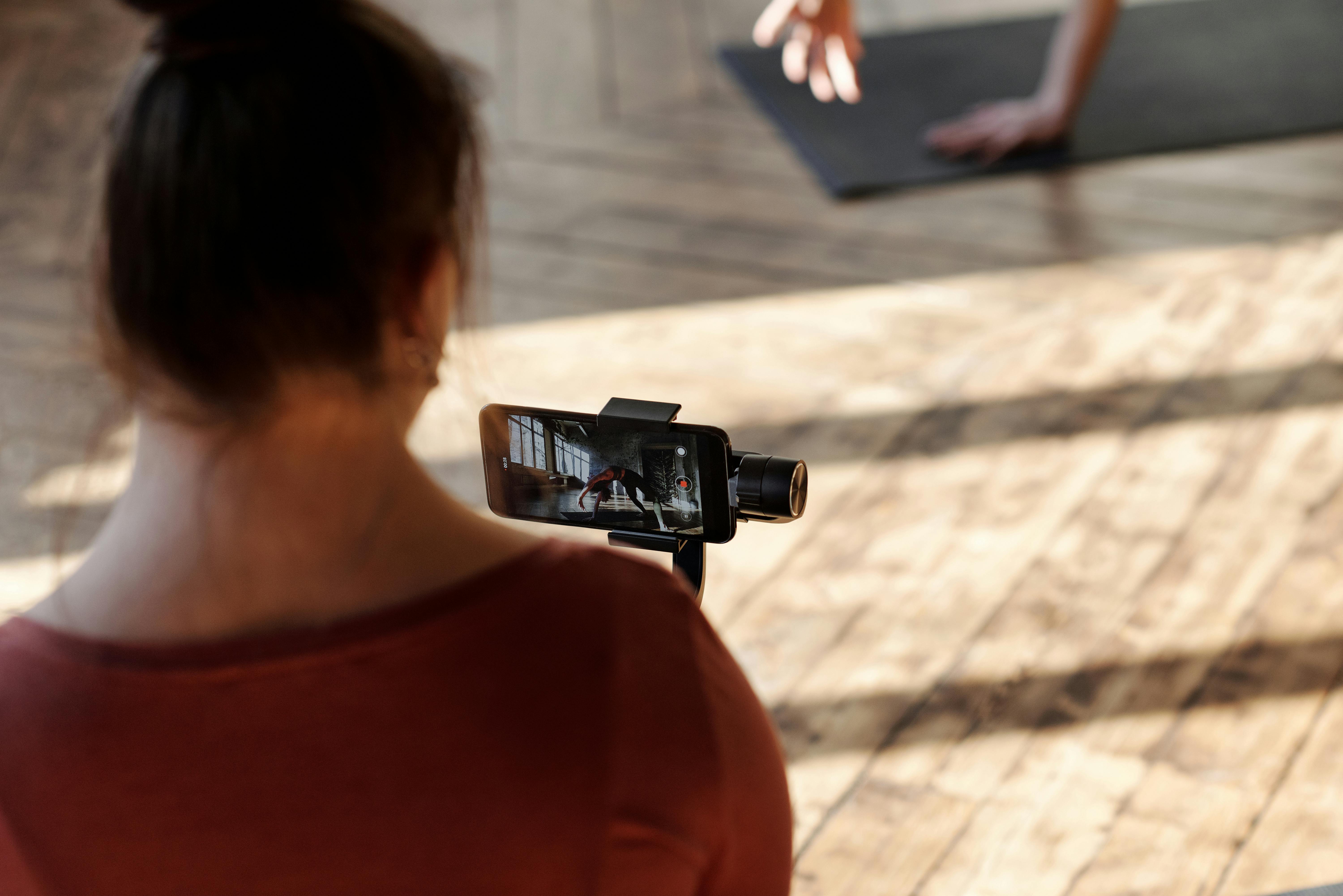
Stop using ugly, long URLs for your fitness class bookings. Learn how to create a professional, branded short link that builds trust and boosts registrations.
How to Make Your Fitness Class Booking Link Professional (And Look Legit)
You’ve spent hours perfecting your workout plan, designing the perfect class schedule, and building a community. But when it’s time to share your booking link, you paste a messy, 200-character URL that looks like it belongs in a spam folder. That long, ugly link screams “amateur” and kills trust before anyone even clicks. The good news? You can fix it in minutes.
In this guide, I’ll show you exactly how to make your fitness class booking link professional, build credibility, and increase sign-ups. No tech skills required.
Why Your Booking Link Matters More Than You Think
First impressions happen fast. When a potential client sees a link like <em>https://someplatform.com/book/class?id=abc123&ref=xyz</em>, they hesitate. Is it safe? Will it work? That hesitation costs you bookings.
A professional, short booking link does three things: it builds trust, makes sharing easy (especially on Instagram or printed flyers), and reinforces your brand. Think of it as your digital handshake.
If you’re also looking to <a href="/how-to-share-your-training-plan-with-a-short-link">share your training plan with a short link</a>, the same principles apply. Consistency across all your links strengthens your fitness brand.
Step 1: Choose a Reliable URL Shortener
Not all link shorteners are created equal. Free services often add their own branding, break after a few months, or show ads. For a professional fitness business, you need a tool that offers customization, analytics, and reliability.
That’s where the <a href="https://uconnectpro.live/" target="_blank" rel="noopener">best link shortener</a> comes in. Uconnectpro.live lets you create branded short links that are easy to remember and track. You can even use your own domain name if you want the ultimate professional look.
Other options include Bitly (good for basic needs) and Rebrandly (great for custom domains). But for fitness pros who want simplicity and power, Uconnectpro is a game-changer.
Step 2: Customize Your Link with Your Brand
Use Your Business Name or Class Name
Instead of a random string of characters, make your link something like <strong>yourbrand.fit/book</strong> or <strong>yogawithmaria.com/flow</strong>. This immediately tells people where they’re going and what to expect.
Add Keywords for Clarity
If you teach multiple classes, use descriptive keywords: <em>yourbrand.fit/hiit</em>, <em>yourbrand.fit/yoga</em>. This also helps with SEO if the link is shared on websites or social media bios.
Step 3: Make It Memorable and Easy to Type
A professional booking link should be short enough to say out loud. If you’re promoting a class on a podcast or in a live video, people need to remember it. Avoid hyphens, numbers, and confusing characters.
For example, <strong>fitpro.live/class</strong> is much better than <strong>fitpro.live/class-2026-07</strong>. Keep it simple.
Step 4: Integrate Your Link with Your Booking System
Your shortened link should redirect to the actual booking page on your platform (Mindbody, Vagaro, Acuity, etc.). Most URL shorteners let you set up redirects easily. Test the link on mobile and desktop to ensure it works flawlessly.
If you’re wondering about <a href="/the-best-way-to-book-a-coaching-session-online">the best way to book a coaching session online</a>, a professional link is just one piece of the puzzle. Pair it with a smooth booking flow for the best results.
Step 5: Test and Optimize Your Link
Before you start sharing, click your link from different devices and browsers. Make sure it loads quickly and doesn’t have any broken redirects. Use analytics to track clicks and see which marketing channels drive the most bookings.
For example, you can create separate short links for Instagram, email newsletters, and flyers. Then compare performance. This data helps you refine your strategy.
Comparison Table: Top URL Shorteners for Fitness Professionals
| Feature | Uconnectpro | Bitly | Rebrandly |
|---|---|---|---|
| Custom domain | Yes | Paid only | Yes |
| Analytics | Yes (detailed) | Basic (free) | Yes |
| Branded links | Yes | Paid only | Yes |
| Ease of use | Very easy | Easy | Moderate |
| Pricing | Free & paid plans | Free & paid | Free & paid |
| Best for | Fitness pros & small biz | General use | Custom domains |
As you can see, the <strong>best link shortener</strong> for fitness professionals balances ease of use, customization, and affordability. Uconnectpro.live checks all those boxes.
Common Mistakes to Avoid
- Using a generic shortener that adds ads or branding.
- Creating a link that’s too long or hard to remember.
- Forgetting to update the redirect when your booking page changes.
- Not tracking clicks – you’re flying blind.
- Sharing the same link everywhere without segmenting by channel.
Avoid these pitfalls, and your booking link will work hard for your business. For more ideas, check out <a href="/how-to-create-a-short-link-for-your-sports-team-registration">how to create a short link for your sports team registration</a> – the same tactics apply.
Frequently Asked Questions
Can I use a free URL shortener for my fitness class booking?
Yes, but free versions often have limitations like branded short domains (e.g., bit.ly/yourlink) and fewer analytics. For a professional look, invest in a service that lets you use your own domain.
How do I create a custom short link without a website?
You don’t need a website. Tools like Uconnectpro.live allow you to register a simple domain (like yourclass.fit) and use it for redirects. It’s affordable and easy.
What if my booking platform changes the URL?
That’s the beauty of short links – you can update the destination URL without changing the short link. So if your booking page moves, your marketing materials still work.
Should I use a different link for each class?
Yes, if you promote multiple classes. It helps you track which classes are popular and which marketing channels perform best. You can also create a single link that leads to a schedule page with all classes.
How long should my booking link be?
Aim for 15–25 characters including your domain. Anything longer risks being mistyped or forgotten. Short and sweet wins.
Make Your Fitness Class Booking Link Professional Today
Your booking link is often the first digital touchpoint a potential client has with your business. Don’t let a messy URL ruin that impression. By choosing the right shortener, customizing your link, and testing it thoroughly, you’ll look professional and increase bookings.
Ready to get started? Visit <a href="https://uconnectpro.live/" target="_blank" rel="noopener">Uconnectpro.live</a> and create your first branded short link in under a minute. Your fitness class deserves a link that’s as polished as your workout.
And don’t forget to explore other ways to simplify your fitness business – like <a href="/how-to-share-your-marathon-fundraising-page">how to share your marathon fundraising page</a> or <a href="/how-to-make-your-fitness-class-booking-link-professional">how to make your fitness class booking link professional</a> (you’re already here!). Build a system that works for you.