How to Share Your Design Consultation Booking: A Complete Guide for Interior Designers
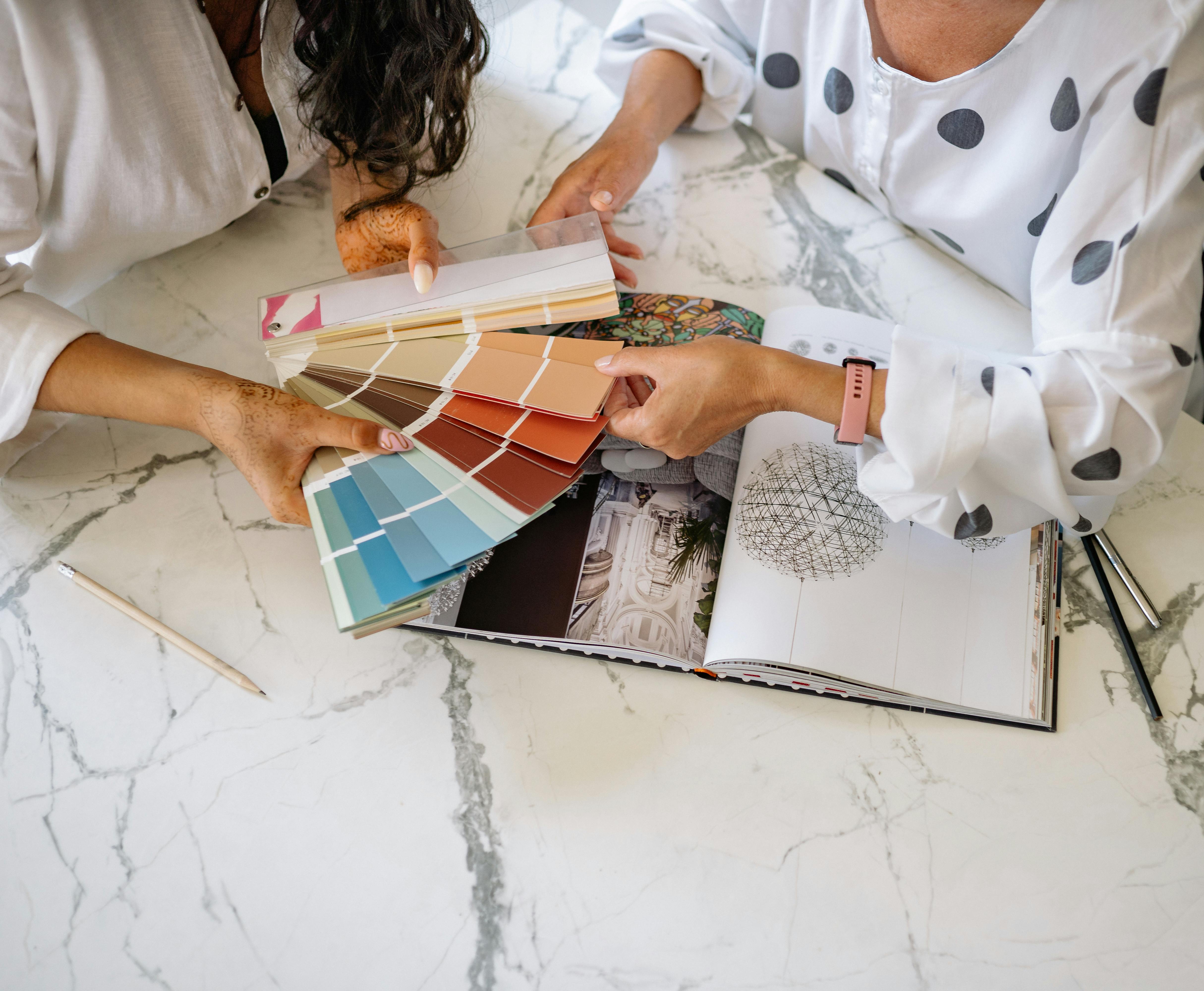
Learn the best ways to share your design consultation booking link. Boost bookings with short URLs, social media tips, and expert strategies for interior designers.
Stop Losing Bookings: The Right Way to Share Your Design Consultation Link
You’ve optimized your website, polished your portfolio, and set up a seamless booking system. But if you’re still copying and pasting long, ugly URLs into emails or social media bios, you’re likely losing potential clients. A messy link can look unprofessional and even get truncated on platforms like Instagram or LinkedIn.
The solution? Learn how to share your design consultation booking link in a way that’s clean, trackable, and irresistible to click. In this guide, we’ll walk you through every step—from choosing the right link to placing it where your ideal clients will actually see it.
Why Sharing Your Booking Link the Right Way Matters
Your design consultation booking is the gateway to new projects. If sharing that link feels clunky or untrustworthy, prospects might hesitate. A short, branded link builds confidence and makes it easy for clients to take action.
Think about it: a URL like "yoursite.com/book-consultation?ref=insta123" is hard to remember and looks spammy. But a link like "yoursite.link/book" is sleek and professional. You can create such links easily if you shorten your links with a reliable tool. That’s where a service like https://uconnectpro.live/ comes in—it lets you customize short links that redirect to your booking page while giving you insights into clicks.
Where to Share Your Design Consultation Booking Link
Your booking link should appear wherever your ideal clients spend time online. Here are the top platforms to consider.
1. Social Media Bios and Posts
Instagram, TikTok, LinkedIn, and Facebook all allow you to add a link in your bio. Use a short, branded link and rotate it based on campaigns. For posts, use the “link in bio” strategy or—if available—add clickable links directly (e.g., Instagram Stories with link stickers).
2. Email Signatures and Newsletters
Every email you send is a chance to book a consultation. Add your short booking link in your email signature. For newsletters, include a clear call-to-action button or text link at the top and bottom.
3. Your Website and Portfolio
Place your booking link prominently on your homepage, services page, and after every before/after gallery. If you haven’t yet created a shareable link for your gallery, check out our guide on #—it pairs perfectly with your booking link.
4. Direct Messages and Client Outreach
When you DM a potential client, don’t paste a raw URL. Instead, say something like: “I’d love to discuss your project. You can grab a free 15-minute consultation here: [short link].” This feels personal and professional.
Step-by-Step: How to Share Your Booking Link Like a Pro
Step 1: Create a Short, Branded URL
Start by copying your original booking page URL (e.g., from Calendly, Acuity, or your own website). Then use a link shortener to create a custom alias like "yourbrand.link/book" or "designbyx.com/consult". Tools like Uconnectpro let you add a branded domain and track clicks.
To get started, simply shorten your links using a platform that offers analytics. This way you’ll know which channel brings the most bookings.
Step 2: Personalize the Call-to-Action
Instead of “Book Now,” try “Reserve Your Design Strategy Call” or “Claim Your Free Consultation.” Match the language to your audience. For high-end clientele, use phrases like “Schedule a Private Consultation.”
Step 3: Place Links Strategically
Use a table to decide where to put your link based on your goals:
| Platform | Best Placement | Best CTA |
|---|---|---|
| Instagram Bio | Bio link + Stories sticker | Link in bio → Book |
| Featured section or About | Book a free consultation | |
| Email Signature | Under your name | Schedule your design call |
| Website | Header or hero section | Get your consultation now |
Step 4: Track and Optimize
Use the analytics from your short link to see which sources drive clicks. For example, if Instagram Stories outperform email, double down there. Also consider A/B testing different CTAs.
Real Case Study: How an Interior Designer Tripled Bookings
Meet Sarah, a residential interior designer. She used to paste her Calendly link directly into Instagram posts. Her booking rate was 2%. After switching to a branded short link (with the domain “sarahdesigns.link/consult”) and placing it in her bio, Instagram Stories, and email signature, her booking rate jumped to 8%. She also started tracking clicks and discovered that her “Project Inquiry” email subject line outperformed “Free Consultation.” The key was making the link look professional and easy to remember.
Expert Tips for Maximum Impact
- Use a custom domain for your short links (e.g., yourname.link) to reinforce branding.
- Create separate short links for each channel (Instagram, LinkedIn, email) to measure performance.
- Pair your booking link with a high-quality image of your work – visual proof builds trust.
- Include a sense of urgency: “Limited spots available – book now.”
- Always test your link on mobile before sharing.
For more ideas on linking your services, read # and #.
Frequently Asked Questions
Q1: Should I use a free link shortener or a paid one?
Free shorteners work, but they often limit customization and analytics. For a professional business, a paid service like Uconnectpro gives you branded domains, detailed stats, and better reliability.
Q2: How long should my booking link be?
Aim for under 30 characters. Shorter links are easier to type manually and look cleaner on printed materials.
Q3: Can I share one booking link across multiple services?
Yes. You can set up a single short link that redirects to your main booking page. If you offer different types of consultations (virtual, in-home, etc.), create separate links for each and test them.
Q4: Will a short link hurt my SEO?
No. Short links are just redirects. The link you share points to your original page, so there’s no SEO penalty. In fact, using a branded short link can improve click-through rates, which may indirectly help your ranking.
Q5: How do I add a booking link to my Instagram bio without it being ugly?
Use a short, recognizable link like “yourbrand.link/consult.” Avoid random characters. You can also use a link-in-bio tool that lists multiple links (including your before/after gallery and booking page).
Ready to Simplify Your Booking Process?
Sharing your design consultation booking doesn’t have to be complicated. By using a clean, trackable short link, you remove friction and present a polished brand image. Start by creating your own branded short link today.
If you haven’t yet explored how to streamline your portfolio sharing, check out # — it’s a perfect companion to this strategy.
Now go ahead and implement these tips. Your next consultation is just a click away.