How to Share a Packing List on Social Media: A Step-by-Step Guide
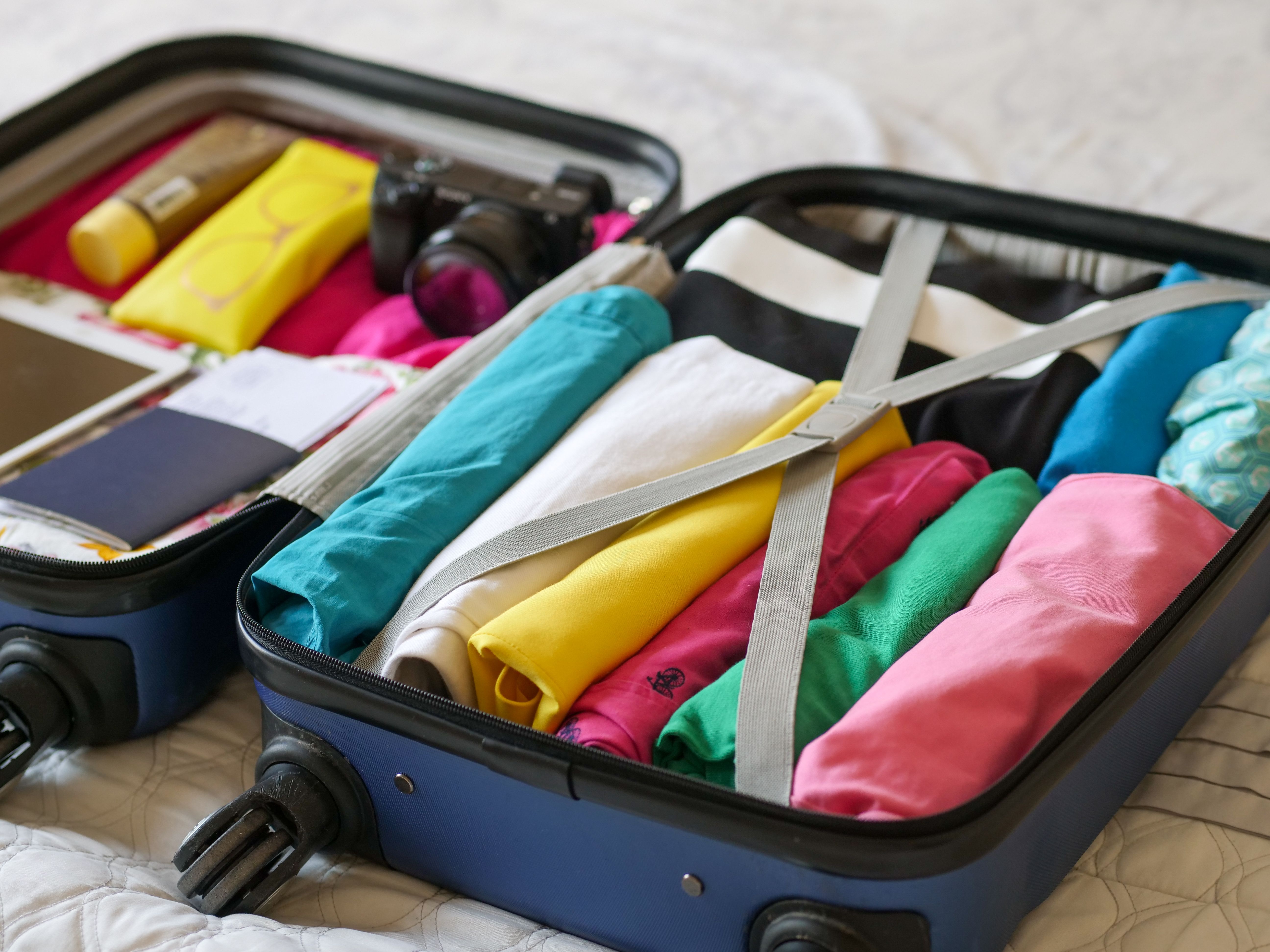
Learn the best ways to share your packing list on social media. From short links to branded URLs, make your travel prep shareable and professional.
Why Sharing a Packing List on Social Media Matters
You’ve spent hours perfecting your packing list. It’s organized, color-coded, and includes everything from sunscreen to spare chargers. But when you try to share it on Instagram or Twitter, the formatting collapses, the emojis disappear, and your followers see a messy wall of text. Frustrating, right?
The good news? You can share a packing list on social media in a way that’s clean, clickable, and even professional. Whether you’re a travel influencer, a digital nomad, or just helping a friend prepare for a trip, this guide will show you exactly how to do it.
Step 1: Create Your Packing List in a Shareable Format
First, build your list in a tool that supports easy sharing. Google Docs, Notion, or even a simple PDF work well. Make sure the list is visually organized with categories (clothing, toiletries, gadgets) and bullet points. Avoid walls of text—use bold headings and checkboxes if possible.
Pro tip: Add a personal touch. Include a funny note or a must-have item that reflects your travel style. This makes the list more engaging when shared.
Step 2: Generate a Short, Trackable Link
Long URLs are ugly and eat up valuable character space. Use a URL shortener to create a clean link. Services like Bitly or Rebrandly work, but for maximum professionalism, you’ll want to brand your URLs. A branded link (e.g., yourname.link/packing) builds trust and looks polished.
If you’re serious about sharing packing lists and other travel content, consider using a tool like https://uconnectpro.live/. It lets you brand your URLs, add custom slugs, and track clicks—all in one place. This is especially useful when you’re sharing multiple lists or itineraries across different social platforms.
Step 3: Choose the Right Social Platform for Your Audience
Not every platform handles links the same way. Here’s a quick breakdown:
- Instagram: Use the link in your bio or a Story sticker. Pin the link in a highlight for permanence.
- Twitter / X: Paste the short link in a tweet. Add a compelling call-to-action like “Grab my ultimate packing list here!”
- Facebook: Share the link in a post or a travel group. Tag friends who are planning a trip.
- TikTok: Put the link in your bio and mention it in the video caption. Use a QR code for extra ease.
Each platform has its own best practices. For example, on Instagram, you can’t click links in captions, so always direct followers to your bio or use the Link Sticker in Stories.
Step 4: Write an Engaging Caption That Drives Clicks
Your caption should tease the value of the packing list. Start with a hook: “Packing for a 2-week trip? Here’s exactly what I take (and what I leave behind).” Then add a short description and a clear call-to-action: “Tap the link in my bio to see the full list.”
Use emojis sparingly—they add personality but shouldn’t clutter the message. Also, include 3–5 relevant hashtags like #PackingList #TravelTips #TravelPrep to expand reach.
Step 5: Add Visuals to Make the Post Pop
A plain text post won’t stop the scroll. Create a simple graphic showing a snippet of your packing list (e.g., a photo of items laid out on a bed). Tools like Canva have templates for social media posts. You can also use a screenshot of your list with a blurred background.
For video platforms like TikTok or Reels, film yourself packing while talking through your essentials. Then pin the link to your packing list in the comments or bio.
Comparison: URL Shortening Tools for Sharing Packing Lists
| Feature | Bitly | Rebrandly | Uconnectpro |
|---|---|---|---|
| Custom branded domain | Yes (paid) | Yes (paid) | Yes (free tier available) |
| Click tracking | Basic | Advanced | Detailed |
| Link expiration | No | Yes | Yes |
| Ease of use | Very easy | Easy | Very easy |
| Best for | General use | Business branding | Travel & social sharing |
If you’re sharing packing lists regularly (or any travel content), a branded link makes your profile look more professional. It also helps build trust—followers know they’re clicking a link from you, not a random shortened URL.
Expert Tips to Maximize Engagement
- Create a dedicated “Travel Resources” highlight on Instagram and pin your packing list link there.
- Collaborate with a travel buddy—ask them to share your list and tag you. This cross-promotes your content.
- Add a QR code to your packing list link in Stories. People can screenshot it and scan later.
- Update your list seasonally (summer vs. winter) and re-share it. Fresh content gets more clicks.
Also, don’t forget to link to related content. For example, after sharing your packing list, you might want to share /how-to-share-your-travel-itinerary-with-friends or /the-best-way-to-book-tours-with-a-short-link. These cluster posts keep your audience engaged and boost your site’s SEO.
Frequently Asked Questions
<strong>1. Can I share a packing list on Instagram if I don’t have a business account?</strong> Yes, but you’ll need a business or creator account to add a clickable link in Stories or the bio. Personal accounts can still share a link in the bio text.
<strong>2. What’s the best format for a packing list to share on social media?</strong> Use a Google Doc or Notion page with a clean layout. Then shorten the URL. Avoid PDFs because they’re harder to preview on mobile.
<strong>3. How do I track how many people clicked my packing list link?</strong> Use a URL shortener with analytics, like Uconnectpro or Bitly. You’ll see click counts, location data, and referral sources.
<strong>4. Should I include affiliate links in my packing list?</strong> If you recommend products (e.g., travel pillows, packing cubes), yes—but disclose it. Use a short link that’s easy to copy and paste.
<strong>5. Can I schedule posts with my packing list link?</strong> Absolutely. Tools like Buffer or Later let you schedule social posts with custom links. Just make sure your short link is permanent (not a one-time link) so it doesn’t break.
Start Sharing Your Packing List Like a Pro
Sharing a packing list on social media doesn’t have to be messy. With a clean format, a branded short link, and the right platform strategy, you can help your followers pack smarter—and grow your own travel brand at the same time.
Ready to make your links look professional? https://uconnectpro.live/ and start branding your URLs for every travel post you share. Your followers will thank you—and so will your click-through rates.