The Best Way to Link Your Spotify Artist Page and Drive More Streams
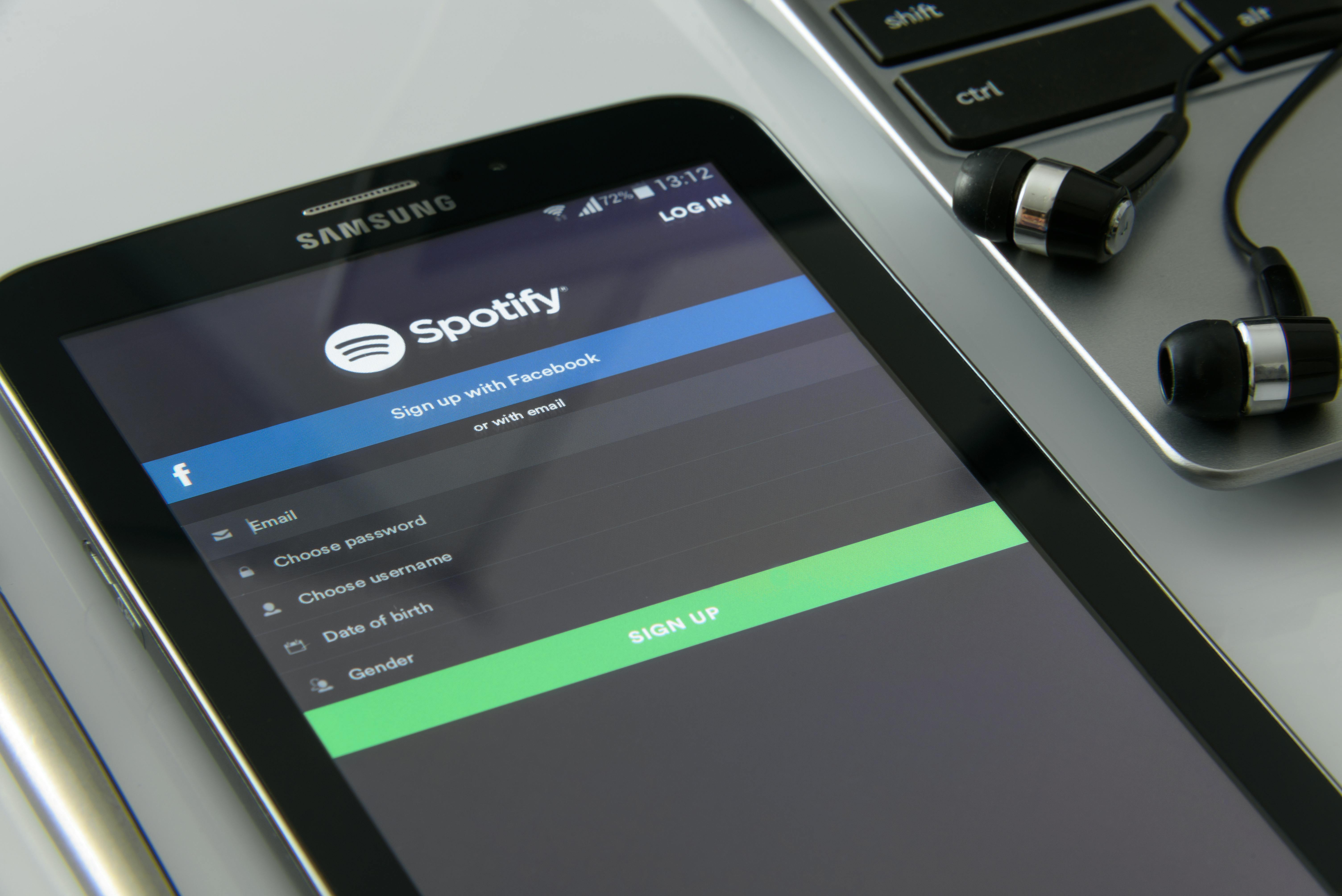
Learn how to create clean, trackable links to your Spotify artist page. Discover tools, best practices, and pro tips to boost your music streams.
Why a Clean Spotify Link Matters More Than You Think
You’ve just dropped a new single. You paste your Spotify artist page URL into your Instagram bio, tweet, or TikTok description. But the link is long, ugly, and full of tracking parameters. Fans are less likely to click. Worse, you can’t track who clicked or where they came from. That’s a missed opportunity.
Your Spotify artist page is your digital storefront. Every stream, every follower counts. The way you share that link can make or break your promotion. In this guide, you’ll discover the best way to link your Spotify artist page — using short, branded links that look professional and give you real data.
The Problem with Long Spotify URLs
A typical Spotify artist page URL looks like this: <code>https://open.spotify.com/artist/4tZwfF6fGHJiJkUZOVb5F2?si=abc123</code>. It’s not memorable, takes up too much space in bios, and the random characters feel spammy. When fans see a messy link, they hesitate. Every second of hesitation can kill a conversion.
Additionally, if you’re sharing the same link across Instagram, Twitter, Facebook, email, and your website, you lose the ability to see which platform drove the most streams. Without tracking, you’re flying blind.
The Solution: Short, Branded, Trackable Links
The best way to link your Spotify artist page is to use a professional URL shortener that lets you customize the link and add tracking. You want a link that’s easy to type, looks trustworthy, and gives you analytics. For example: <strong>uconnectpro.live/yournewalbum</strong>.
If you’re wondering how to shorten links professionally, platforms like UconnectPro allow you to create branded short links that redirect to your Spotify page. You can even add UTM parameters to track clicks per campaign. It’s a simple step that separates DIY musicians from professionals.
Step-by-Step Guide to Creating Your Perfect Spotify Link
Follow these steps to create a short, trackable link to your Spotify artist page. You’ll be done in less than five minutes.
- Copy your Spotify artist page URL from the Spotify app or website.
- Go to a URL shortener with analytics (like UconnectPro or Bitly).
- Paste the long URL into the input field.
- Customize the short link slug — use something memorable like your artist name or song title.
- Add UTM parameters (source, medium, campaign) to track where clicks come from.
- Copy the generated short link and use it everywhere.
That’s it. Now you have a clean link that builds trust and gives you data.
Comparison of Popular Link Shortening Tools
| Tool | Customization | Analytics | Branded Domain | Pricing |
|---|---|---|---|---|
| UconnectPro | Yes | Yes (detailed) | Yes | Free & paid plans |
| Bitly | Yes | Yes (basic) | Paid only | Free tier available |
| Rebrandly | Yes | Yes | Yes | Free tier limited |
| TinyURL | Limited | No | No | Free |
As you can see, if you want a professional branded link with full tracking, UconnectPro offers the best free option for musicians. You can use it not only for your Spotify page but also for concert ticket sales, merchandise, and music videos.
Where to Use Your Spotify Artist Link
Now that you have a beautiful short link, put it everywhere your audience spends time:
- Instagram bio (with a link-in-bio tool like Linktree, but use your Spotify short link as one of the main options)
- Twitter/X profile
- TikTok bio and video descriptions
- Facebook page and posts
- YouTube channel description and video cards
- Email newsletters and press releases
- Physical flyers and posters (use a QR code that goes to your short link)
Consistency builds recognition. When fans see your custom link, they know it’s you.
Internal Linking: Connect Your Music Ecosystem
Your Spotify artist page is just one piece of the puzzle. To grow your audience, you need to orchestrate all your channels. For example, after you create your perfect Spotify link, you can use a similar strategy to /how-to-share-your-new-music-release-on-social-media with trackable links. If you’re selling concert tickets, learn /how-to-create-a-short-link-for-your-concert-ticket-sales. And don’t forget your video content — /how-to-share-your-music-video-on-youtube gives you more exposure. Finally, if you sell merchandise, check out /how-to-make-your-band-merch-link-professional.
When all your links are short, branded, and trackable, you create a seamless experience for your fans and a rich data set for yourself.
Expert Tips to Maximize Your Spotify Link’s Impact
Here are pro strategies that successful independent artists use:
- Create a unique short link for each promotion campaign (album launch, tour, collaboration) so you can compare performance.
- Use emojis in the slug? Some artists do — but keep it short and readable. Example: uconnectpro.live/new-song-🔥 (not recommended for professional branding, but can work on TikTok).
- A/B test your link placement. Try putting the link in the first comment on Instagram vs. the bio. See which gets more clicks.
- Combine your Spotify link with a pre-save campaign. Use tools that redirect users to the Spotify page after they save the song.
- Always use HTTPS in your short links — it signals security and helps with SEO.
Remember, the goal is to make it as easy as possible for a fan to listen. Every friction point removed increases streams.
Frequently Asked Questions
Conclusion: Take Control of Your Spotify Promotion
Stop sharing messy, untrackable Spotify links. The best way to link your Spotify artist page is to use a short, branded URL that you can customize and monitor. It’s a small change that builds trust, increases clicks, and gives you actionable insights.
Start today. Create your first professional short link at https://uconnectpro.live/. Your streams — and your analytics — will thank you.